Send Again
Close
CS-Cart Moneris Payment Gateway Integration connects your store with Moneris to accept secure online payments. It helps manage payments with better control.
Customers can pay using credit or debit cards through a clear checkout process. Also, it reduces errors and helps finish payments without delay. It supports stores in the US and Canada. So, store owners can accept USD and CAD without extra setup.
Admins can track payments in real time from the panel. This helps keep records correct. Setup is handled from the admin side. Then, store owners can enable the gateway and start accepting payments.
It works well for single store and multi-vendor setups. Also, vendors and admins can manage payments in one system. This solution fits stores that need reliable online payment processing. So, it keeps checkout clear and improves the buying process.
Also, explore CS-Cart HiPay Payment Gateway to enable secure card payments with 3D Secure protection and improved checkout experience.
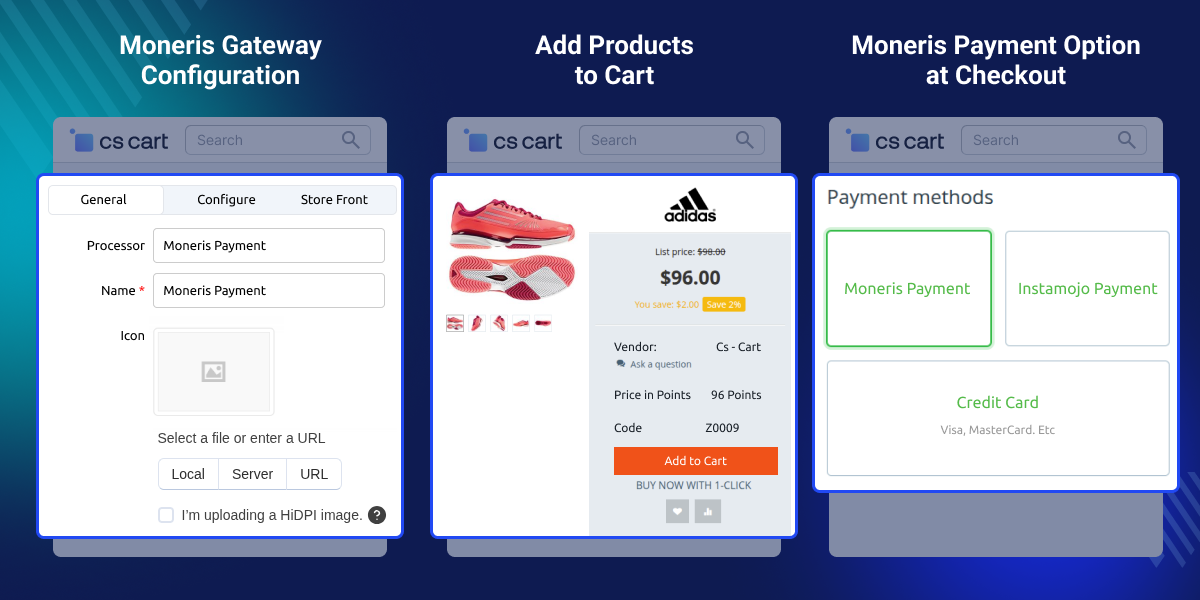
Payments stay safe with Moneris during checkout for all orders.
Stores can accept USD and CAD for orders in US and Canada.
Admins can check payment updates live from the panel.
Customers can use credit and debit cards to pay at checkout.
Users in Canada can pay with Interac during checkout.
Admins can set and manage payment options from the panel.
CS-Cart Moneris Payment Gateway Integration is needed when default CS-Cart payment methods do not support Moneris. So, stores in the US and Canada face limited payment options.
Manual payment handling can cause errors and delays. Also, no real-time tracking makes it hard to check payment status.
CS-Cart Moneris Payment Gateway Integration connects your store with Moneris. It allows direct and secure payment processing at checkout.
It supports automated payments and accepts USD and CAD. Also, it gives store owners better control. Built for real use, this module supports reliable payment handling for stores in North America.
Apart from this, you can explore the CS-Cart Wepay Payment Gateway to accept credit card payments with flexible checkout types and smooth payment processing.
Accept Interac and card payments in Canada at checkout.
Accept USD and CAD payments for cross-border sales.
Manage vendor payments in one multi-vendor setup.
Handle many payments with real-time tracking.
Keep payments safe during checkout.
Accept credit and debit card payments at checkout.
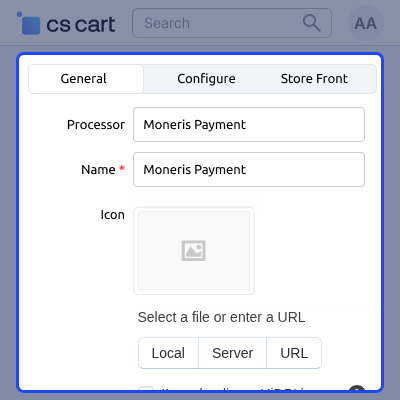
Add Moneris as a payment method from the admin panel. Select the processor and set details like name, icon, and description. This allows store owners to activate the payment method and display it during checkout.
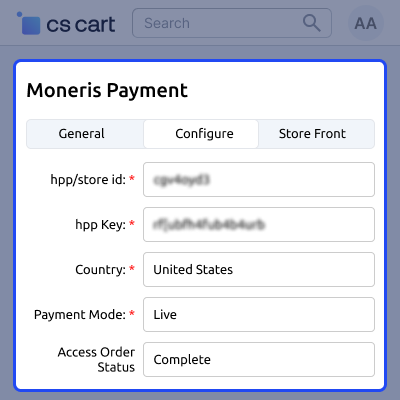
Set Moneris details like store ID and HPP key. Then select country, payment mode, and order status. This sets up the Moneris gateway and allows payments to run without errors.
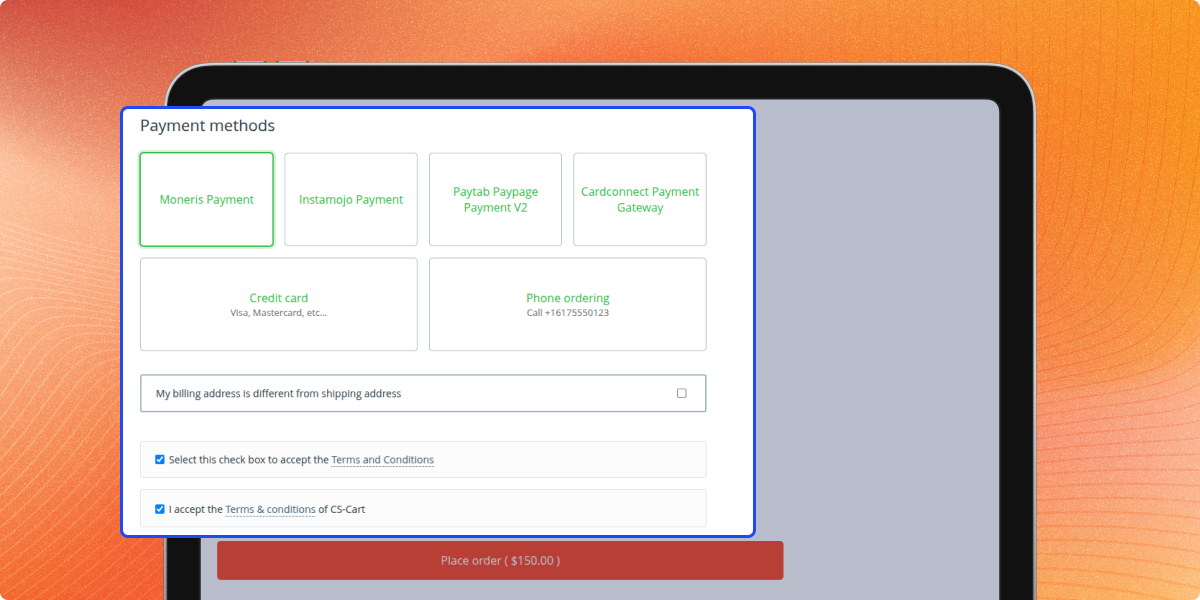
Customers can select Moneris as a payment method at checkout. It appears with other payment options. This lets users choose a trusted payment method and complete payment with ease.
Payments are processed through Moneris following PCI DSS standards for secure transactions. Sensitive card details are not stored in the system. This ensures safe payment handling and builds trust during checkout.
For any query or issue please create a support ticket here http://webkul.uvdesk.com
You may also check our other top-quality CS-Cart Modules.
Detailed technical features and requirements to help you understand the module’s capabilities and ensure smooth integration with your system.
Detailed technical features and requirements to help you understand the module’s capabilities and ensure smooth integration with your system.
We’re partnered with top-tier, trusted providers!
Want to know more how exactly we are going to power up your eCommerce Website with Cloud to fasten up your store
* Server Configuration may vary as per application requirements.



