Send Again
Close
Odoo RSS Feed Reader lets you show live RSS Feeds on your Odoo Website without any hard work. It automatically brings new news, blogs, and updates from different sources and shows them on your website.
With Odoo RSS Feed Reader, your website always looks fresh and active. Visitors can read new content every time they visit, which helps increase trust, engagement, and SEO ranking.
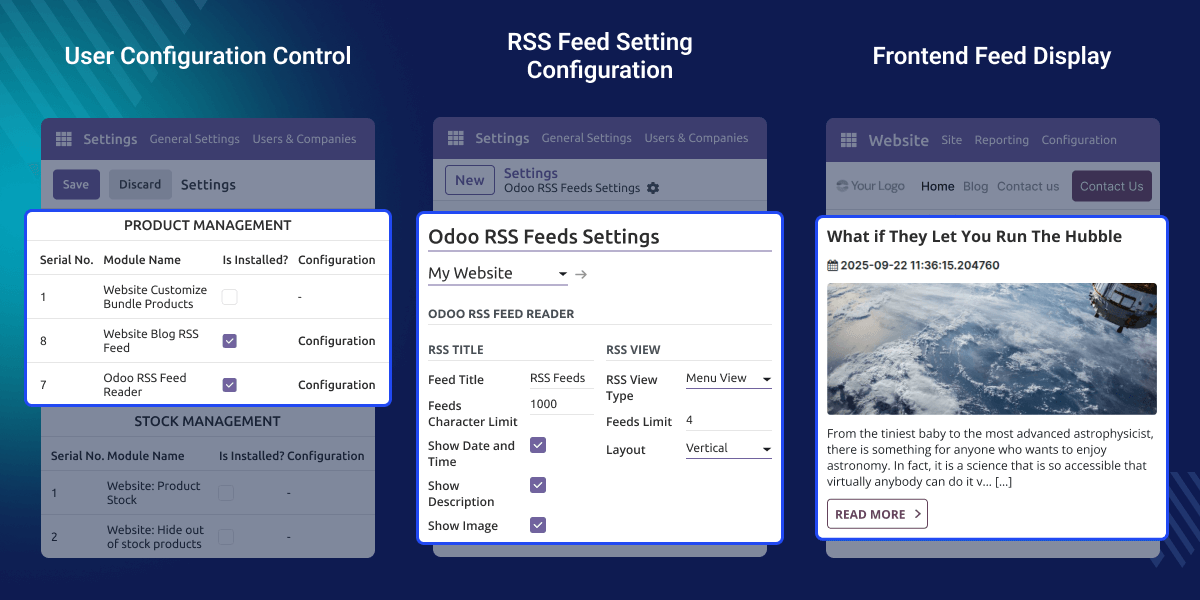
Imagine your website like a storybook. If the story never changes, people stop reading it. Odoo RSS Feed Reader adds new stories every day by showing live feeds from blogs and news websites.
This helps website owners keep users informed, improve SEO, and save time because everything updates automatically.
Odoo RSS Feed Reader lets you manage and publish RSS feeds directly from the Odoo Backend with simple clicks.
Group different RSS feeds into categories like news and blogs. Users can switch feeds easily and read what they like.
Add RSS feeds anywhere on the Odoo Website using Website Snippet. Just drag and drop the feed snippet on any page.
RSS feeds look clean and clear on mobile, tablet, and desktop screens. The feed layout adjusts automatically for every device.
Let's you control all RSS feed settings from one place. You can manage RSS Feeds easily from the Odoo Backend without coding.
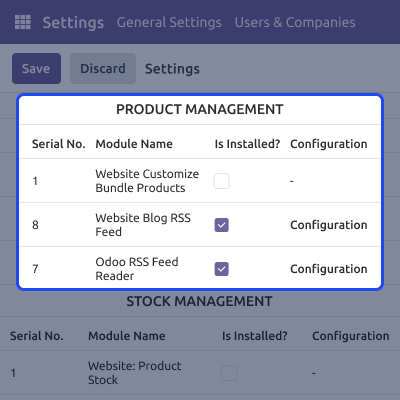
Let's you control how RSS Feeds look on your Odoo Website. You can change the feed title, layout, limits, and display options easily.
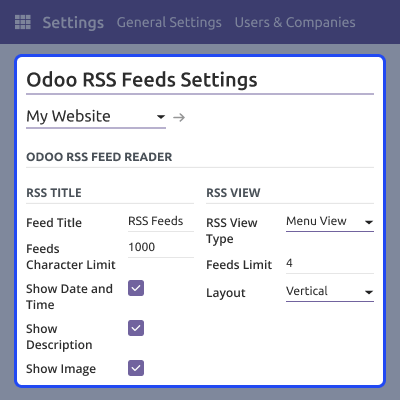
Let's you publish and manage RSS Feeds easily from the Odoo Backend. You just add feed details and connect the RSS URL in a few steps.

Shows RSS feed content clearly on the website frontend. Visitors can read feeds easily and open the original article anytime.

For any query or issue, please create a support ticket here CREATE A TICKET HERE
You may also check our other top-quality Odoo Modules.
Detailed technical features and requirements to help you understand the module’s capabilities and ensure smooth integration with your system.
Detailed technical features and requirements to help you understand the module’s capabilities and ensure smooth integration with your system.
We’re partnered with top-tier, trusted providers!
Want to know more how exactly we are going to power up your eCommerce Website with Cloud to fasten up your store
* Server Configuration may vary as per application requirements.



