Send Again
Close
Odoo Website Email Verification
Although email is the preferred method of communication with customers, verifying emails is required to ensure that the registered email address is correct. For fraud detection and prevention on your website, email verification has become important.
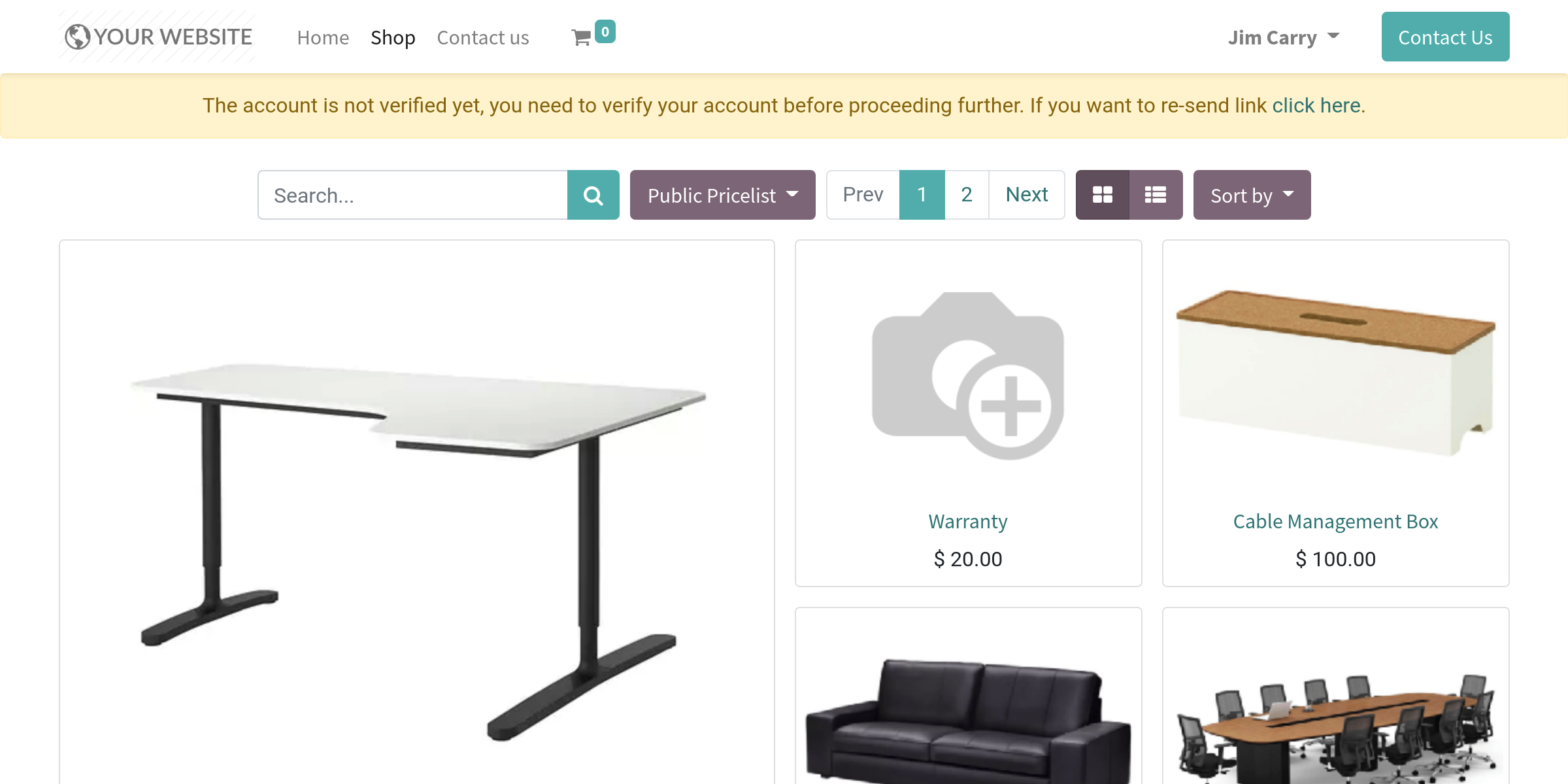
As a solution, Odoo Website Email Verification Send token based emails to the customers on signup. Restrict checkout for unverified accounts.
Customers can only place orders on the website after undergoing the email verification process, hence this module prevents customers from checking out without first completed the email verification process. This module also enables for the customization of email verification emails.
For any query or issue please create a support ticket here http://webkul.uvdesk.com
You may also check our other top-quality Odoo Plugins.
Detailed technical features and requirements to help you understand the module’s capabilities and ensure smooth integration with your system.
Power your website or application with flexible, scalable cloud infrastructure designed for performance and growth.
Get started with Cloudkul hosting tailored to your needs.
Choose server resources based on your workload, expected traffic, and performance requirements.
Start with the cloud resources your project needs today and adjust your server configuration as your business grows.
Explore flexible cloud hosting plans and choose your ideal configuration.
* Starting price is indicative. Final pricing and available server resources depend on the selected hosting configuration and requirements.
