Send Again
Close
Odoo Website Product Pack helps businesses sell related products together by combining them into a single pack with a special price.
Businesses can publish product packs on their website like regular products, making complete product bundles easier for customers to discover and purchase. Customers can explore the included products separately and purchase the complete pack online.
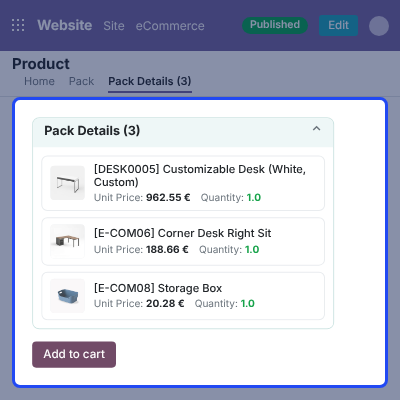
Odoo Website Product Pack allows customers to view the individual products included in a pack and access their respective product pages for more details.
The module displays the amount customers can save when purchasing a pack, helping them clearly understand the value of buying products together.
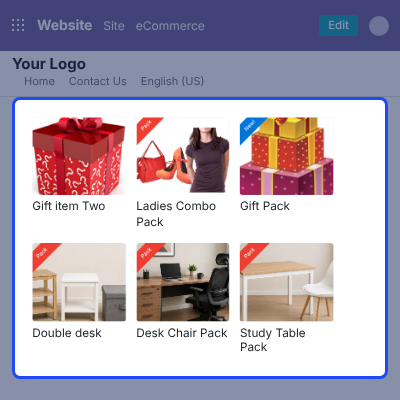
Businesses can also add ribbon tags to product packs, making bundled products easier to identify while customers browse the online store.
The module allows businesses to choose how pack products are displayed on the website, providing a clear view of the products included in each pack.
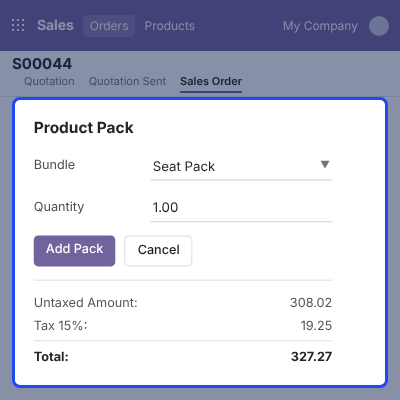
Product packs can also be managed through sales orders, where businesses can handle the pack and its individual products during the order fulfillment process.
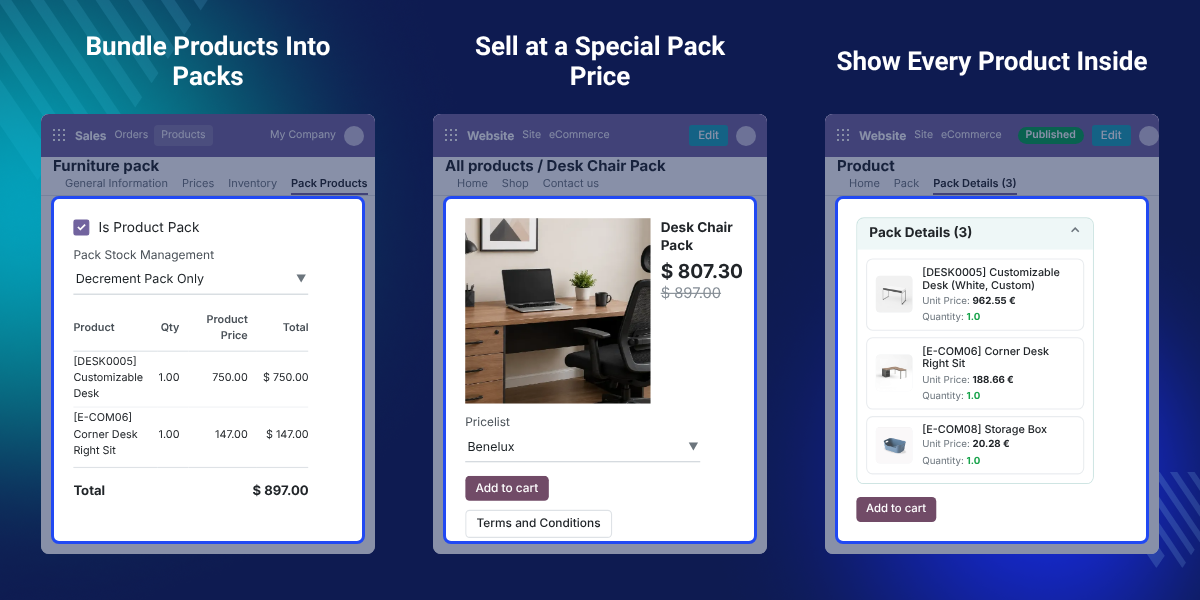
Create product bundles by combining related products and publish them on your Odoo website for customers to discover.
Offer bundled products at a special price and show customers the amount they can save compared with individual purchases.
Publish product packs like regular products so customers can easily find and purchase complete bundles from the online store.
Allow customers to explore the products included in a pack and open their individual product pages for more details.
Use a ribbon tag to clearly identify product packs and help customers distinguish bundles from regular website products.
Add the complete product pack, its individual products, or both to sales orders based on your business requirements.
Selling related products together can help businesses present useful combinations to customers.
Instead of making customers search for each item separately, businesses can offer related products as one complete pack.
Odoo Website Product Pack makes these bundles easier to display and sell through the online store. Customers can view the pack, understand its pricing, and explore the included products.
The special pack price can also make bundled purchases more attractive. Showing the amount saved helps customers understand the value of purchasing the products together.
The module also gives businesses more flexibility when handling sales orders. They can add the complete pack, individual products, or both according to their order requirements.
Businesses that want to offer customizable product bundles on their website can also use Odoo Website Advanced Bundle Product.
Businesses that want to group related products into collections and let customers purchase the complete collection or selected products can use Odoo Website Product Collection.
Use Odoo Website Product Pack to combine related products and offer convenient bundles to online shoppers.
Create special product combinations and display the savings available when customers purchase the complete pack.
Group products that are commonly purchased together and make them easier for customers to discover.
Publish product packs alongside regular products and let customers explore or purchase the included products separately.
Odoo Website Product Pack allows businesses to create bundles of related products for their website.
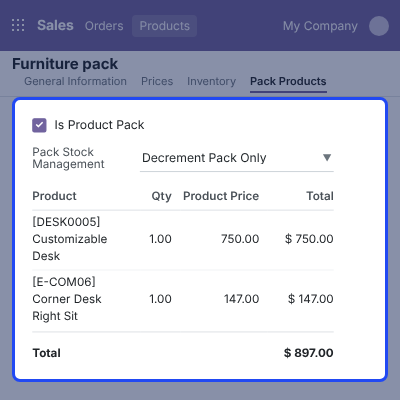
Set a special price for the complete pack and help customers understand the value of buying products together.
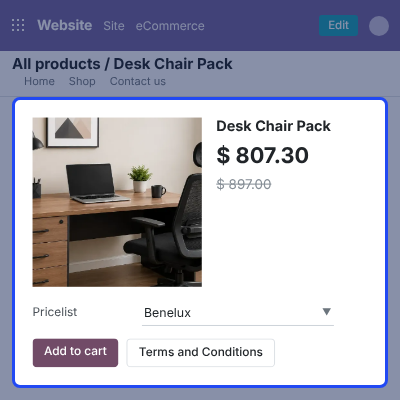
Publish configured packs on the website and make them available alongside other products in the online store.
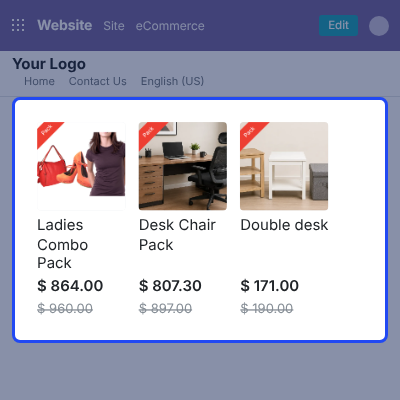
Customers can view the products included in a pack and access their individual product pages.
Use a ribbon tag to make product packs easy to recognize on the website.
Odoo Website Product Pack provides flexible options for handling packs and their products in sales orders.
For any query or issue, please create a support ticket here CREATE A TICKET HERE
You may also check our top-quality Odoo Apps
Easy to use, intuitive, we have noticed an immediate increase in sales thanks to this module.
Essential module to be able to offer customers a totally customized product., 100% recommended.
Detailed technical features and requirements to help you understand the module’s capabilities and ensure smooth integration with your system.
Detailed technical features and requirements to help you understand the module’s capabilities and ensure smooth integration with your system.
We’re partnered with top-tier, trusted providers!
Want to know more how exactly we are going to power up your eCommerce Website with Cloud to fasten up your store
* Server Configuration may vary as per application requirements.



