Send Again
Close
CS-Cart 3D Viewer Using Augmented Reality helps customers see products in 3D before placing an order from your online store. Customers can place products in their real space using mobile phones and check how items look from different angles.
Store owners can upload GLB files and show interactive 3D product models on product and category pages. Shoppers can rotate and zoom product models to view product shape, design, and important details more clearly.
Addon supports both Android and iOS devices, so customers can use augmented reality features on most smartphones.
Admin can manage AR product models from the backend. Default product images appear if no 3D model is uploaded. Apart from this if you're looking for advanced 3D product presentation then you can check CS-Cart 3D Product Viewer for your CS-Cart store.
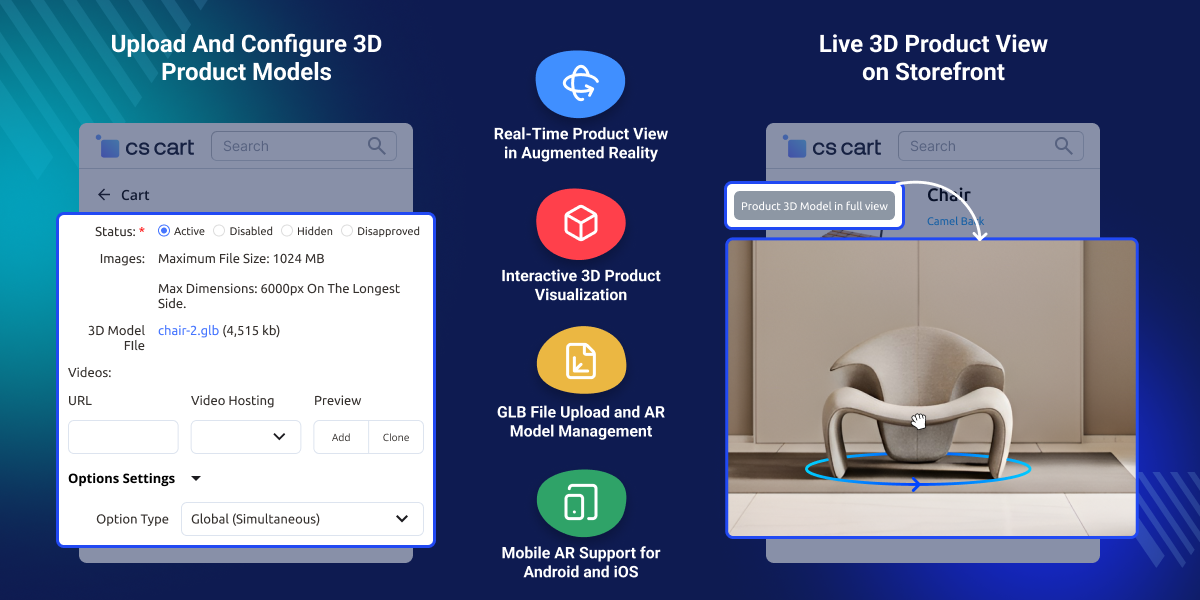
Create captivating visuals with AR models for each product.
Customers can virtually try on products using their mobile phones before making a purchase decision.
With the help of an AR Model customers can rotate, zoom, and explore products from different angles.
AR models are compatible with both iOS and Android devices. Also, Don't miss our Cs-Cart Mobile App for a smooth shopping experience.
The AR viewer supports 3D file formats like GLB, allowing you to upload 3D models for an AR experience.
After activating the AR feature, customers can use their smartphones' cameras to experience the product in real time.
Default product images do not always help customers understand product size, shape, or design before placing an order online. Many shoppers want to check how products will look in real surroundings. Standard product pages cannot provide this experience.
CS-Cart 3D Viewer Using Augmented Reality helps customers view products in 3D and place them in their space using mobile phones. Customers can rotate, zoom, and inspect products from different angles. This helps them make better buying decisions with more confidence.
Store owners can upload GLB files and manage AR product models from the admin panel without complex setup steps. Suitable for furniture, home decor, fashion accessories, electronics, and other stores that need better product visualization for mobile shoppers.
Additionally, Improve customer communication with CS-Cart Chatbot OpenAI ChatGPT LLM for automated AI chat responses.
CS-Cart 3D Viewer Using Augmented Reality supports stores that need better product visualization before purchase. It helps customers check products in real spaces through mobile AR.
Show sofas, chairs, and tables in customer room spaces.
Help buyers check decor items before placing online orders.
Display gadgets in 3D view with zoom and rotate options.
Let shoppers inspect bags, watches, and accessories closely.
Show frame designs in detailed 3D product viewing mode.
Help customers view appliance size and placement visually.
With the help of Cs-Cart 3D Viewer Using Augmented Reality, the Store Owner can configure AR models for each product using a simple backend system.
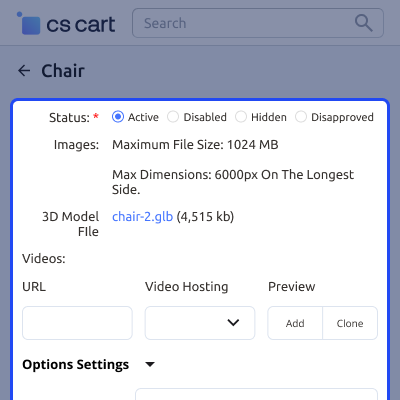
Customers can try out the AR feature directly on the product page.
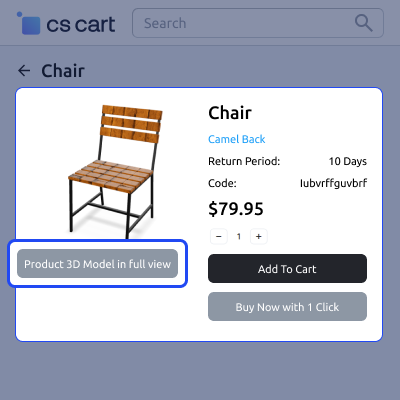
With AR, customers can view the products from all sides and examine the details and design.
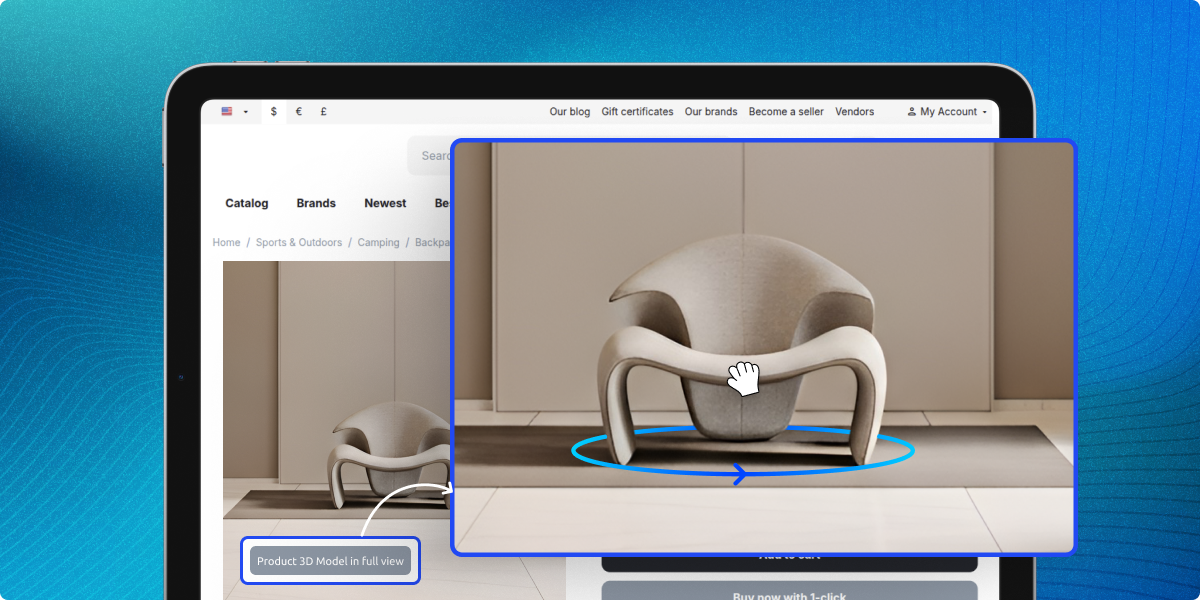
For any query or issue please create a support ticket here http://webkul.uvdesk.com.You may also check our other top-quality CS-Cart Add-ons.
Detailed technical features and requirements to help you understand the module’s capabilities and ensure smooth integration with your system.
Detailed technical features and requirements to help you understand the module’s capabilities and ensure smooth integration with your system.
We’re partnered with top-tier, trusted providers!
Want to know more how exactly we are going to power up your eCommerce Website with Cloud to fasten up your store
* Server Configuration may vary as per application requirements.



