- Description
- Reviews
- FAQ
- Customers ()
- Specifications
- Cloud Hosting
- Changelog
ERPNext Website Product Brand helps businesses organize products using brands and showcase them effectively on their website.
The module allows store owners to create and manage brands directly from ERPNext with logos, descriptions, and banners.
Brands can be assigned to products, making it easier to organize catalogs and improve product identification.
Dedicated brand pages help customers view brand information and explore products associated with a specific brand.
Customers can browse all published brands from a brand listing page and quickly find products from their preferred brands.
ERPNext Website Product Brand also supports brand-based filtering to simplify product discovery and website navigation.
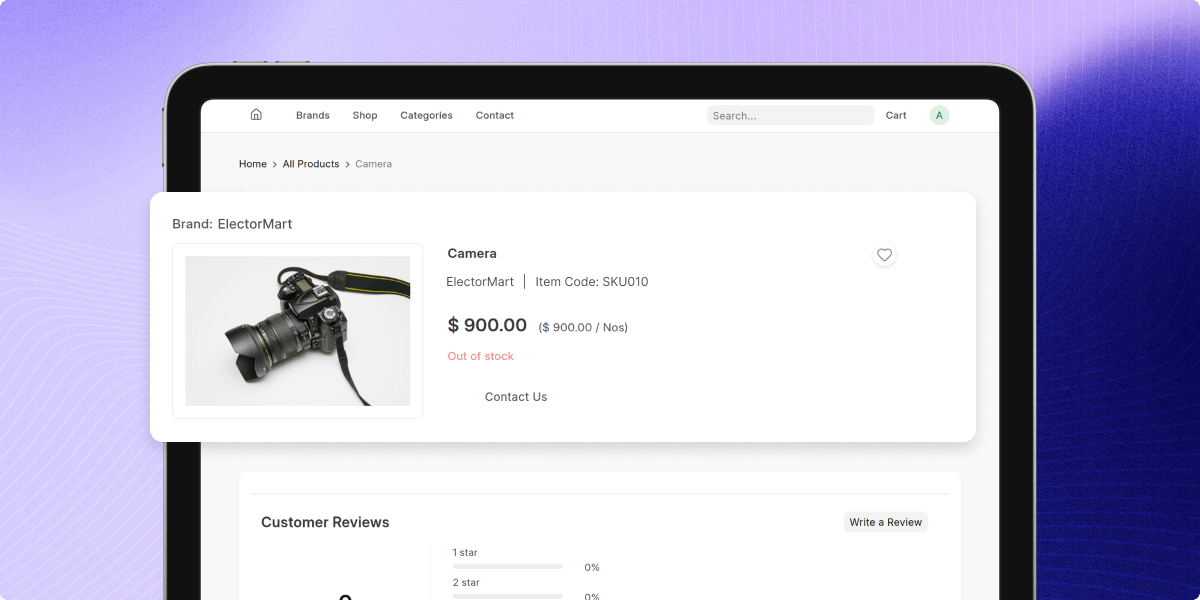
Brand links displayed on product pages allow customers to move directly to the related brand page.
With SEO settings and homepage brand sections, businesses can improve brand visibility and create a stronger shopping experience.
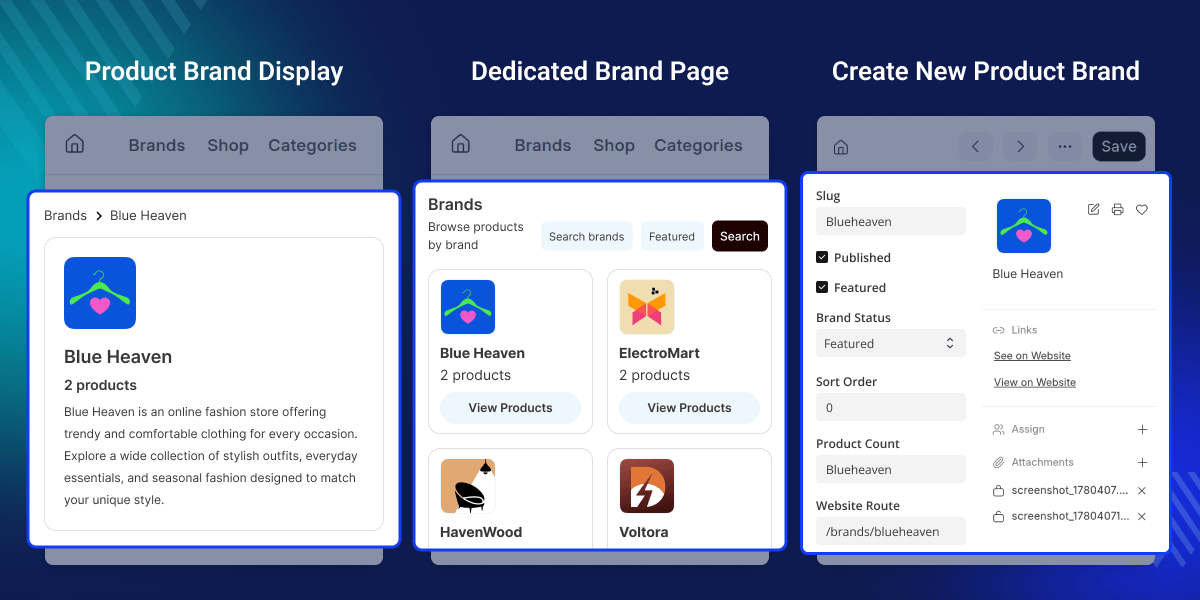
Highlighted Features of ERPNext Website Product Brand
Brand Management
Create and manage brands with logos, descriptions, and website information.
Dedicated Brand Pages
Publish brand pages that display brand details and related products.
Brand Assignment
Assign brands to products for better organization and brand visibility.
Brand-Based Product Filtering
Help customers find products quickly using brand filters on the website.
Product Page Brand Links
Display brand information on product pages with links to brand pages.
Homepage Brand Showcase
Highlight selected brands on the homepage to improve brand exposure.
Why do we need ERPNext Website Product Brand ?
Many online stores sell products from multiple brands, but customers often struggle to identify products from their preferred brands while browsing.
Standard product catalogs focus mainly on products and categories, offering limited options to showcase brands or provide a dedicated brand browsing experience.
ERPNext Website Product Brand solves this by introducing brand management, brand pages, product filtering, and brand-focused navigation throughout the website.
This helps customers discover products faster while helping businesses strengthen brand visibility and product presentation.
Clear brand visibility helps customers shop with greater confidence and trust.
Use Cases
Multi-Brand Electronics Store
An electronics retailer can display brands such as Samsung, Canon, and Sony, allowing customers to browse products from their preferred manufacturer.
Fashion and Lifestyle Website
A fashion business can create dedicated brand pages where customers can explore products from specific clothing or lifestyle brands.
Contact Synchronization
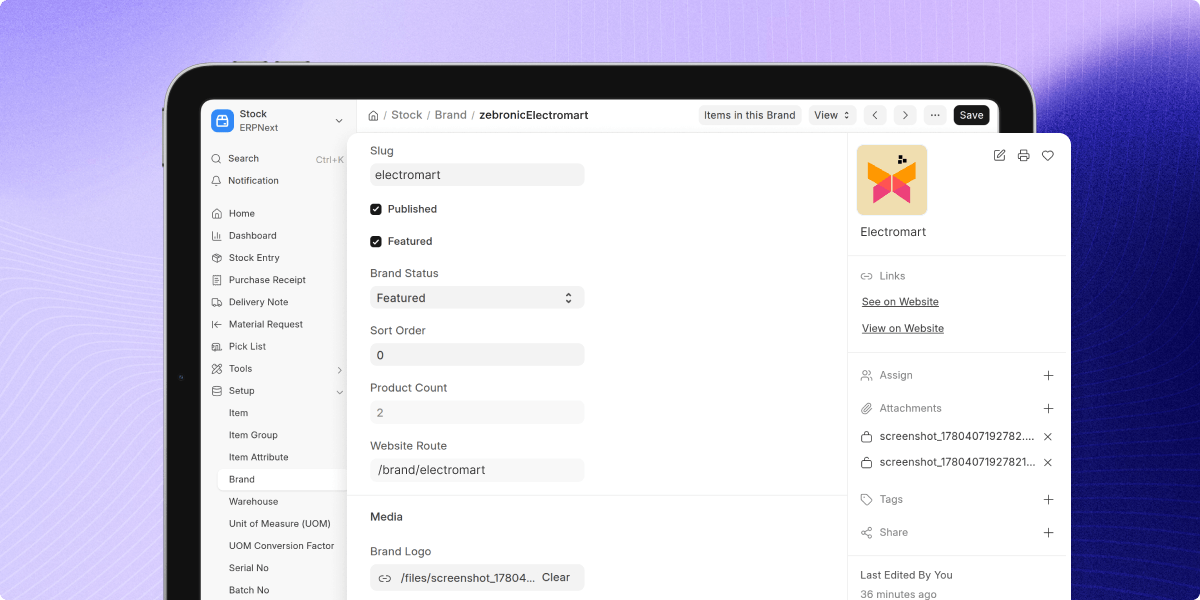
Create and manage brands directly from ERPNext. Each brand can include a logo, banner, descriptions, and website information.
- Create brand profiles from ERPNext
- Add brand logos and banners
- Manage brand descriptions easily
- Configure brand visibility settings
- Maintain organized brand records
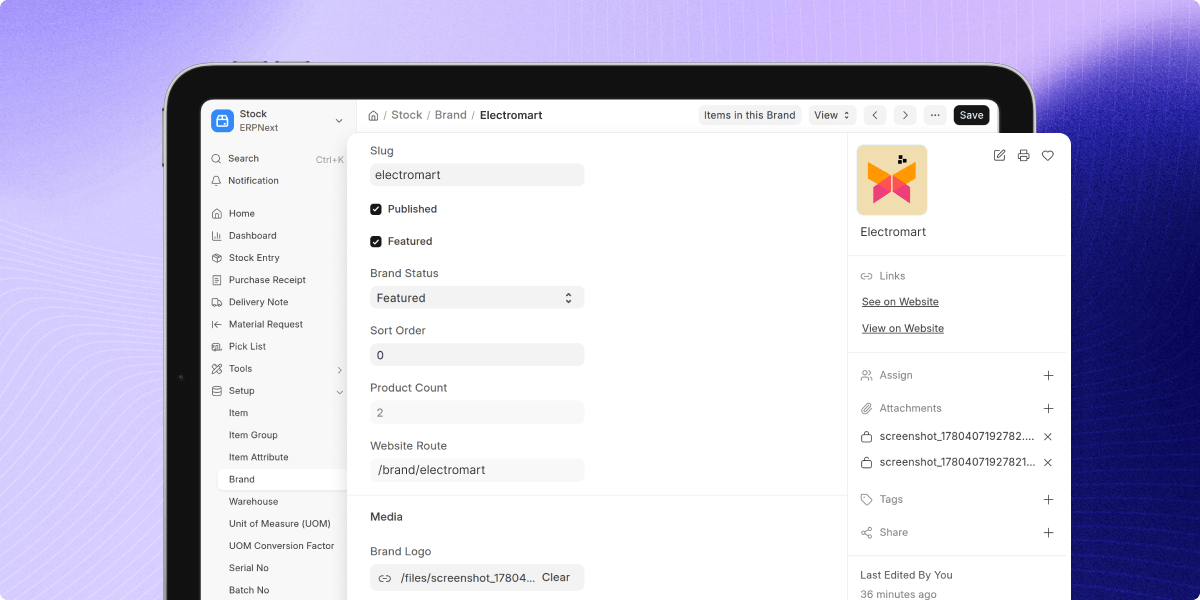
Dedicated Brand Pages
Publish dedicated website pages for each brand to showcase brand details and associated products.
- Create brand landing pages
- Display brand logos and banners
- Show brand descriptions on website
- Display products belonging to a brand
- Improve brand presentation online
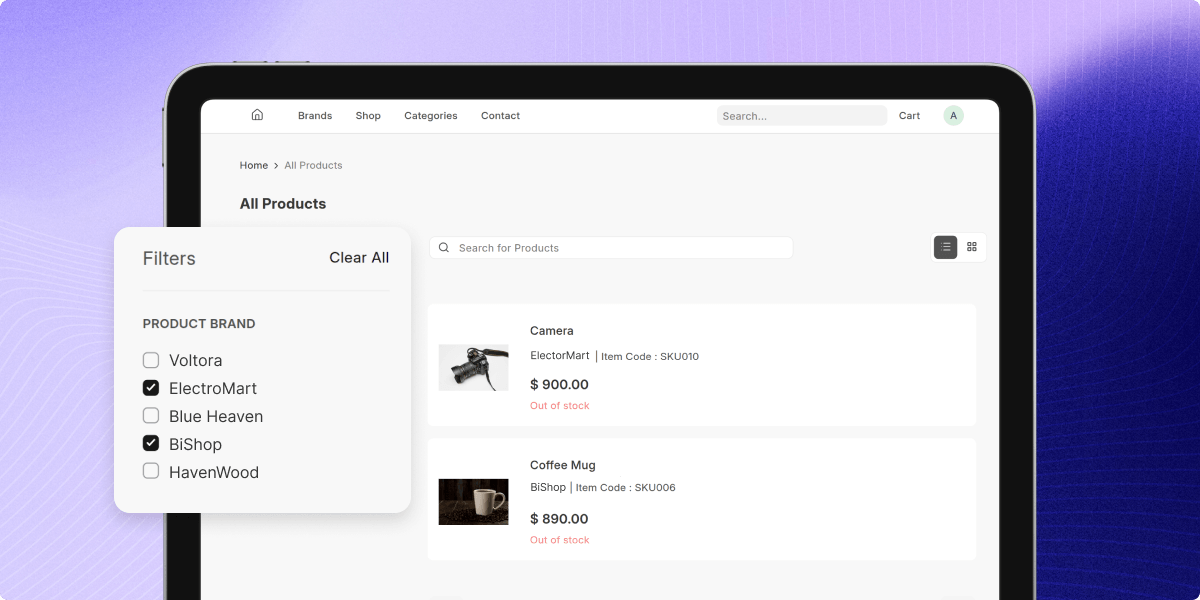
Brand-Based Product Filtering
ERPNext Website Product Brand allows customers to filter products using brand names while browsing the product catalog.
- Filter products by brand
- Improve product discovery
- Simplify catalog navigation
- Help customers find preferred brands
- Enhance shopping experience
Product Page Brand Display
Display brand information directly on product pages and link customers to the related brand page.
- Show brand name on products
- Add links to brand pages
- Improve product identification
- Increase brand visibility
- Support brand-focused browsing
Support
For any query or issue, please create a support ticket here CREATE A TICKET HERE
You may also check our other top-quality ErpNext Modules.
Specifications
FAQ’s
Specification
Detailed technical features and requirements to help you understand the module’s capabilities and ensure smooth integration with your system.
Cloud Hosting
Detailed technical features and requirements to help you understand the module’s capabilities and ensure smooth integration with your system.
Move to Cloud Today
We’re partnered with top-tier, trusted providers!



Default Configuration Details of Server
RAM 1 Core
Processor 30 GB
Hard Disk
Database
Want to know more how exactly we are going to power up your eCommerce Website with Cloud to fasten up your store
* Server Configuration may vary as per application requirements.
