Send Again
Close
Laravel Marketplace PayPal Commerce Payment Gateway module facilitates the admin of a store to integrate PayPal Payment Method for their customers.
Even the sellers can integrate PayPal for their customers only after completing the authentication process with PayPal. The admin can process the refunds for the customers on their respective panels.
Note:-This module is an add-on of laravel multi-vendor marketplace. To use this module first, you must have to install the laravel multi-vendor marketplace.
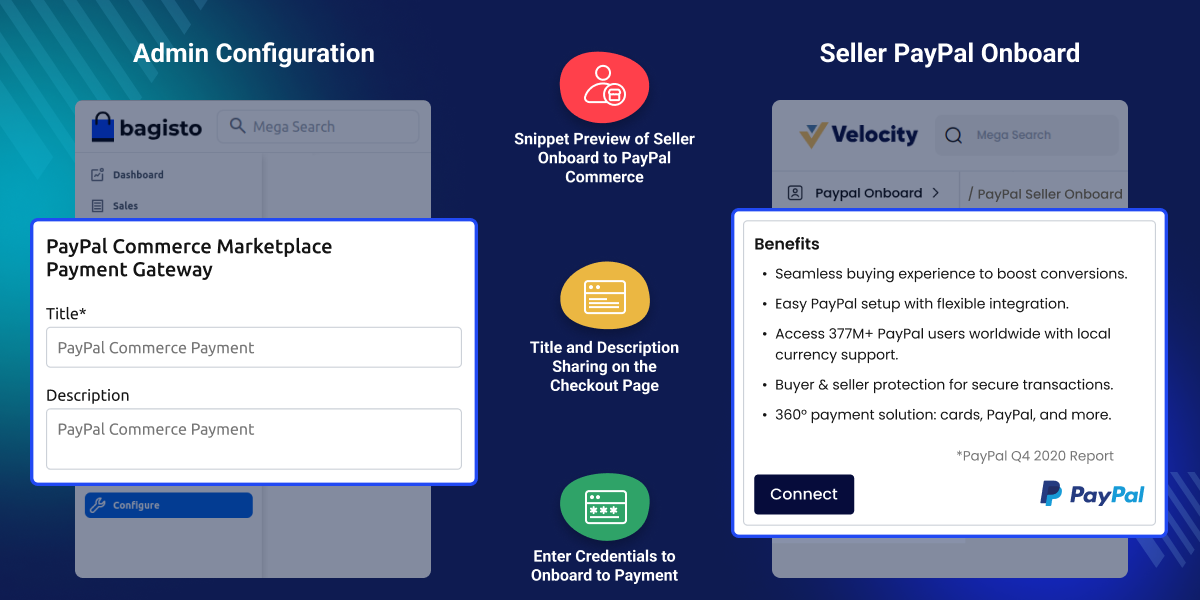
If Admin wants, they can enable or disable this module.
The seller can onboard PayPal account for the eCommerce store at any time.
Split the customer's payment among the sellers and the admin.
Accept all the cards that Paypal supports.
In a Laravel marketplace, the PayPal Commerce payment gateway is used when an admin needs to automatically split payments between the seller and the admin.
PayPal is one of the most widely recognized, secure, and trusted payment solutions worldwide.
With PayPal Commerce, you can securely process payments and offer multiple payment options to your users, making it an ideal solution for eCommerce marketplaces.
You can easily configure this module. For configuration, go to the Admin panel, click on Configure, and then click on Sales to navigate to Payment Method. Under this section, Admin can configure the functionality of this module.
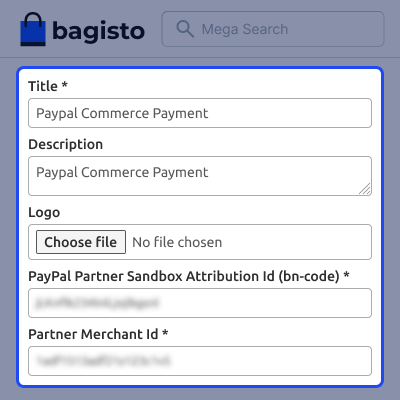
The admin can configure functionalities like changing the title and description. Admin can also upload the logo and enter the merchant ID.
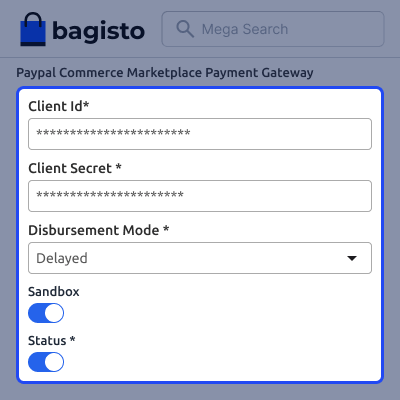
Admin can enable or disable the module from here:
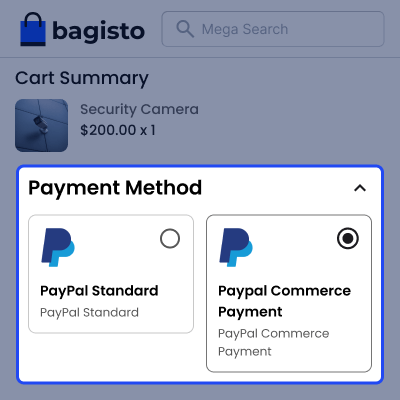
Customers can select PayPal Commerce as their payment method on the checkout page. PayPal offers a secure and convenient way for customers to make payments using their PayPal accounts or credit/debit cards.
Once selected, they will be redirected to PayPal’s secure payment interface. Here, they can either log in to their PayPal account or pay using a card without logging in.
After the payment is processed and confirmed, the admin will receive the payment in their PayPal account. This method provides secure, reliable, and fast transactions for both buyers and sellers.
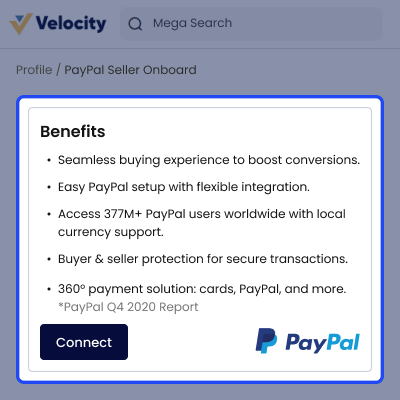
After the admin connects the store with PayPal Commerce, the seller needs to link their own PayPal account by configuring the payment method from their account.
This is done through PayPal's integration, allowing the seller to easily connect with PayPal Commerce. Once connected, they can accept payments for their listed products and view transaction details from their seller panel.
For any issue related to this module, please create a support ticket or send an email to [email protected]. You may also check our quality Bagisto Extensions.
Detailed technical features and requirements to help you understand the module’s capabilities and ensure smooth integration with your system.
Detailed technical features and requirements to help you understand the module’s capabilities and ensure smooth integration with your system.
We’re partnered with top-tier, trusted providers!
Want to know more how exactly we are going to power up your eCommerce Website with Cloud to fasten up your store
* Server Configuration may vary as per application requirements.



