Send Again
Close
Magento 2 Hyvä Multi-Vendor Marketplace Theme is built for fast, modern, and high-performance storefronts. It helps pages load faster, improves the user interface, and works well on all screen sizes and devices.
The theme makes it easy to set up mega menus, homepage banners, featured products, and footer sections. Store owners can handle all of this from the admin panel, so no complex development work is needed.
It works with Webkul Marketplace and supports multivendor store setups without any issues. This gives both customers and sellers a smooth and consistent experience across the whole storefront.
Magento 2 Hyvä Marketplace Theme also supports multiple store views for different regions, languages, or brands. This makes it a great fit for growing businesses that need a scalable and professional marketplace solution.
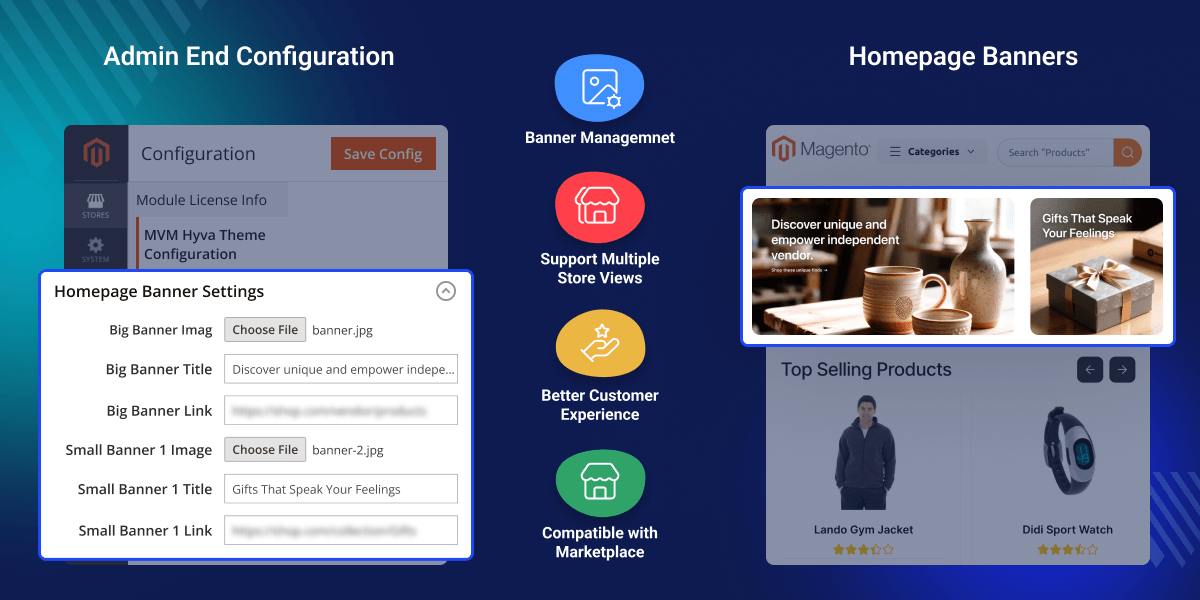
Add and update promotional banners and campaigns right from the admin panel.
Show key products on the homepage to attract more attention.
Run the theme with Webkul Marketplace straight away, with no extra customization needed.
Update footer links, brand details, and social profiles quickly and simply.
Default storefronts are often not flexible enough for growing businesses. Navigation is hard to manage and content gets messy as seller networks expand.
The Hyvä Multi Vendor Theme for Magento 2 helps solve these problems. It makes your store fast and has simple content options built for marketplaces. Shopping becomes easy and smooth for all users.
The Hyvä Multi Vendor Theme for Magento 2 has clear navigation, homepage banners, and featured product sections. You can show top products and change your branding to fit your store.
Store owners can manage all of this from the admin panel. The Hyvä Multi Vendor Theme for Magento 2 works well on all devices and gives customers a smooth experience every time.
Add banners to your home page and show sales, deals, and new launches.
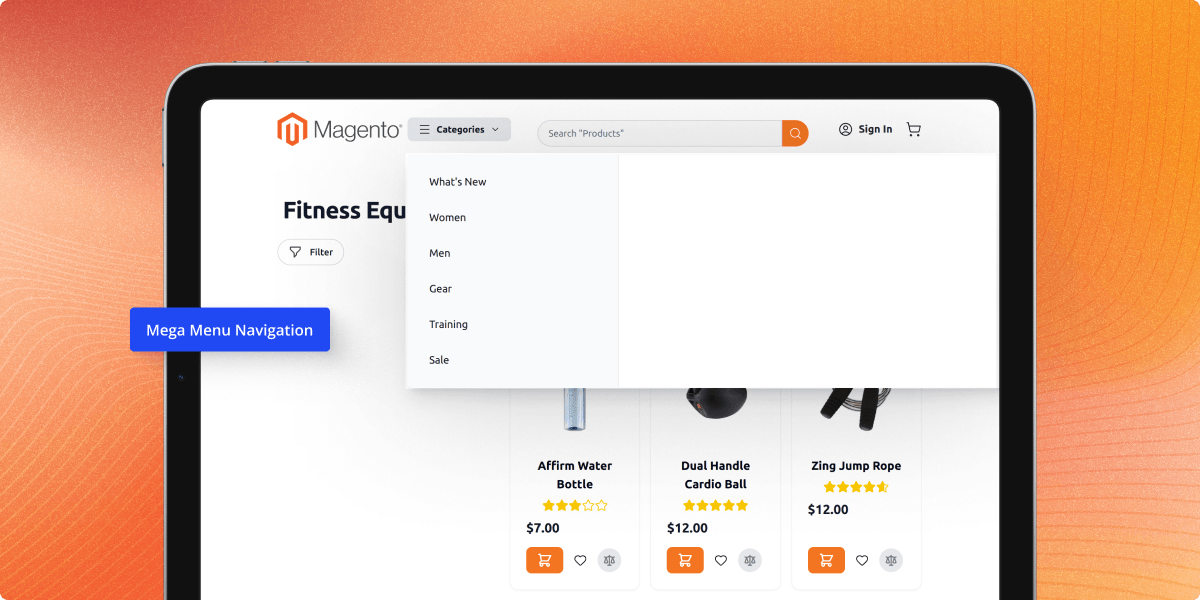
Set up clear menus and let customers find and browse products fast.
Show top products on your home page so more people can see and buy them.
Make a smooth store for sellers and buyers and keep the look the same all through.
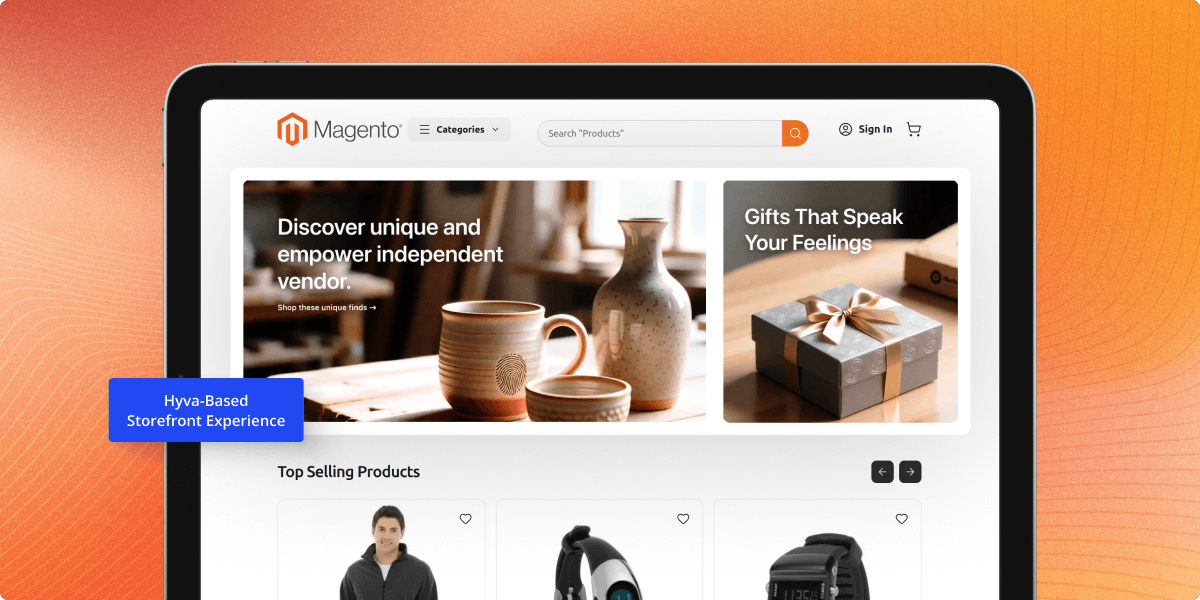
Hyva Multivendor Theme for Adobe Commerce delivers a fast and modern storefront powered by the Hyva framework. It helps improve page performance while maintaining a clean and responsive shopping experience.
The built-in mega menu helps organize categories and subcategories in a clear structure. Customers can browse products more efficiently and reach desired categories faster.
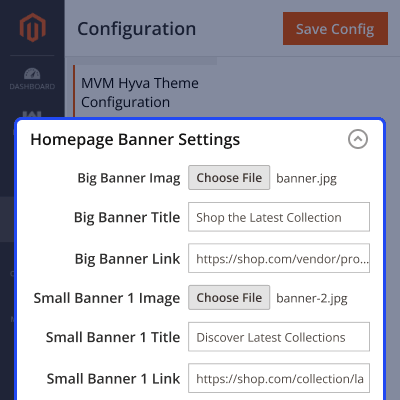
Store administrators can manage homepage banners directly from the backend. Promotional content can be updated without modifying theme files.
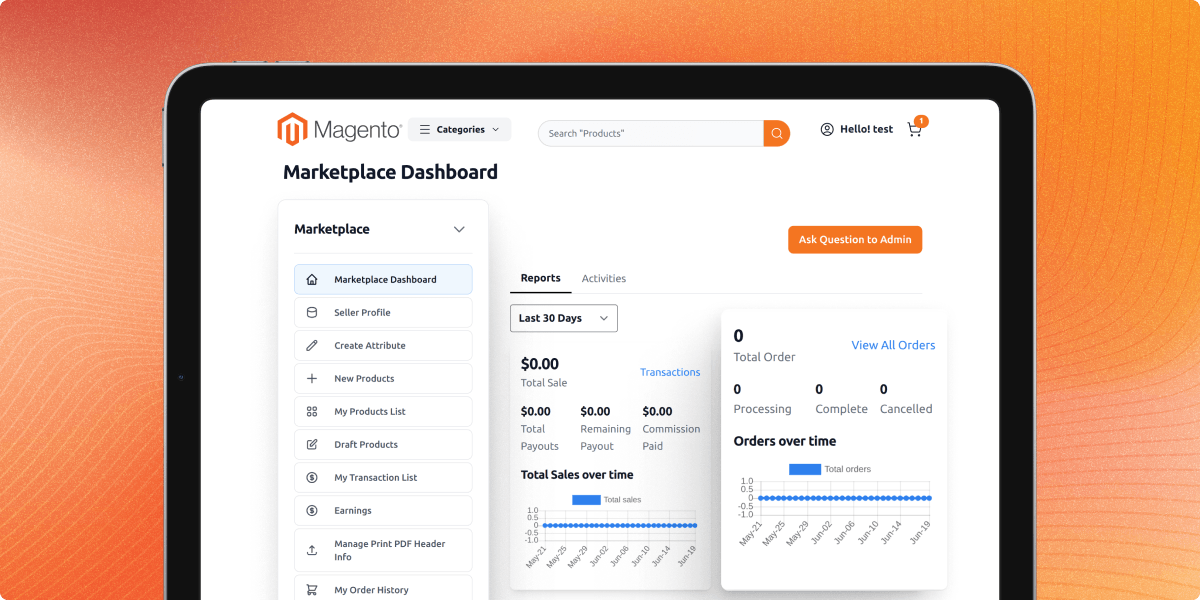
The theme integrates with the Webkul Marketplace module and supports multivendor storefront operations. As a Hyvä-compatible marketplace theme, it delivers a consistent experience for both customers and sellers.
For any query or issue, please create a support ticket here http://webkul.uvdesk.com/.
You may also check our top-quality Magento 2 Extensions.
Detailed technical features and requirements to help you understand the module’s capabilities and ensure smooth integration with your system.
Detailed technical features and requirements to help you understand the module’s capabilities and ensure smooth integration with your system.
We’re partnered with top-tier, trusted providers!
Want to know more how exactly we are going to power up your eCommerce Website with Cloud to fasten up your store
* Server Configuration may vary as per application requirements.



