Send Again
Close
Odoo Amazon Pay Payment Acquirer links Amazon Pay to your Odoo website payment options. It gives customers one more way to pay for their website orders, using their Amazon account.
Customers can pick Amazon Pay from the payment options. They sign in to their Amazon account and pick an available payment method to proceed with the transaction.
Customers can check their chosen payment details before they pay. The payment then goes through Amazon Pay until it is done. If you need another payment option, you can also use Odoo Website Paypal Express Checkout Payment Acquirer.
Once the payment is processed, Odoo gets the payment response and updates the related transaction status. The payment result stays linked to the matching website order.
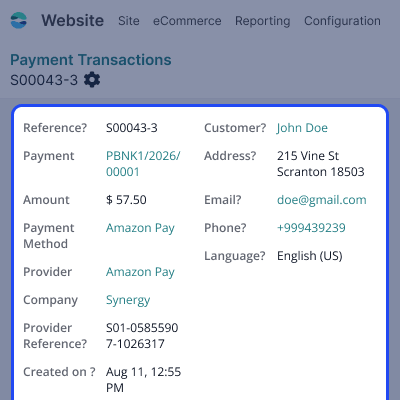
Admins can view payment results and transaction details from the Odoo backend. They can also manage Amazon Pay credentials and provider settings from Payment Providers.
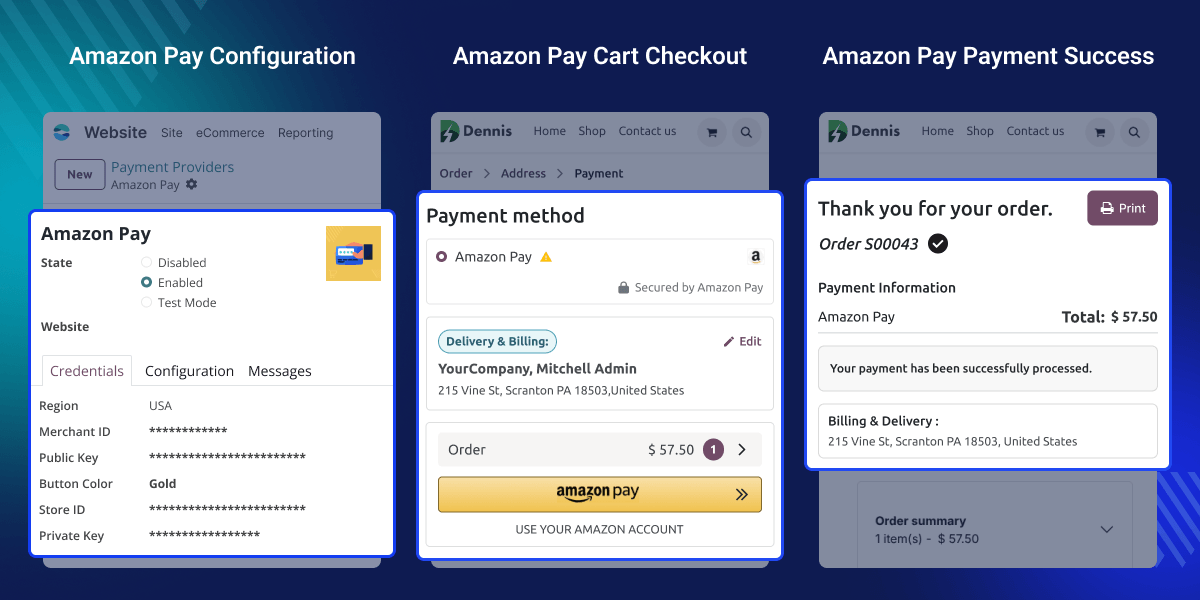
Start an Amazon Pay payment right from the payment cart with the Amazon Pay button.
Let customers sign in to their Amazon account and finish their website payment through Amazon Pay.
Let customers pick an available payment method from their Amazon Pay account.
Let customers check their payment details and finish the payment through Amazon Pay.
Update the related payment transaction status in Odoo once Amazon Pay processes the payment.
Help admins view Amazon Pay payment results and transaction details from the Odoo backend.
Website customers want simple ways to pay when they order. A standard checkout may make them type in payment details by hand.
Amazon Pay gives customers another way to pay, using their Amazon account. This can make paying easier for customers who already use Amazon Pay.You can also use Odoo QuickPay Payment Acquirer when Quickpay is needed for your payment workflow.
This module adds Amazon Pay to the website payment options. Customers sign in to Amazon, pick an available payment method, and finish the payment.
This module also links Amazon Pay transactions with Odoo. Admins can check payment results, transaction status, and related website orders from the backend.
Offer Amazon Pay as a payment option for customers who buy from the website.
Let customers use their Amazon account during the website payment process.
Give customers another way to pay and complete website orders through Amazon Pay.For other payment needs, Odoo Cash Free Payments provides Cashfree payment processing for Odoo.
Help admins check Amazon Pay transaction results and payment status from Odoo.
This feature lets customers use Amazon Pay through the available website payment options. It gives customers a simple way to begin the Amazon Pay payment process.
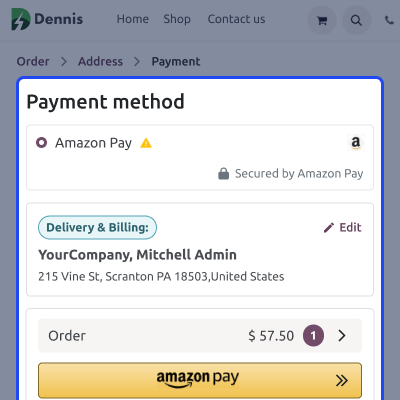
This feature lets customers use their Amazon account to complete website payments with an available payment method. Customers can review their payment details before completing the Amazon Pay transaction.
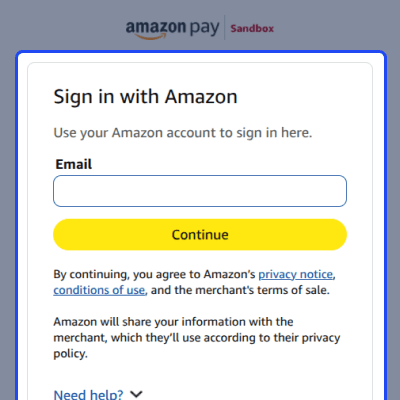
This feature lets customers review their Amazon Pay payment details before completing the website order. It helps customers check the selected information before they confirm the payment.
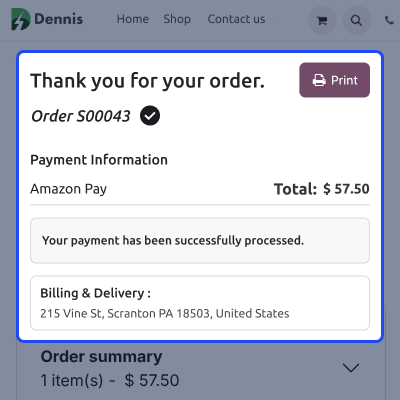
This feature updates the payment transaction after processing and helps admins track the result with the related website order. It keeps the payment status and transaction details available in the Odoo backend.
For any query or issue, please create a support ticket here CREATE A TICKET HERE
You may also check our other top-quality Odoo Modules
Detailed technical features and requirements to help you understand the module’s capabilities and ensure smooth integration with your system.
Detailed technical features and requirements to help you understand the module’s capabilities and ensure smooth integration with your system.
We’re partnered with top-tier, trusted providers!
Want to know more how exactly we are going to power up your eCommerce Website with Cloud to fasten up your store
* Server Configuration may vary as per application requirements.



