Send Again
Close
The QloApps Google Hotel Connector helps hotels connect with Google Hotel Center and display direct booking links to potential guests. It automatically synchronizes room availability, rates, and booking restrictions with Google. Select specific room types to publish, monitor connection status, and track synchronization activity through detailed API logs. The module simplifies Google Hotel integration while keeping your property information and booking data updated efficiently.
Note: Once the module is installed, the Webservice Key will be generated automatically under the Configuration section. Additionally, the hotel will be enabled if the address, latitude, and longitude are entered correctly, and all associated data, including its room types, will be synchronized automatically.
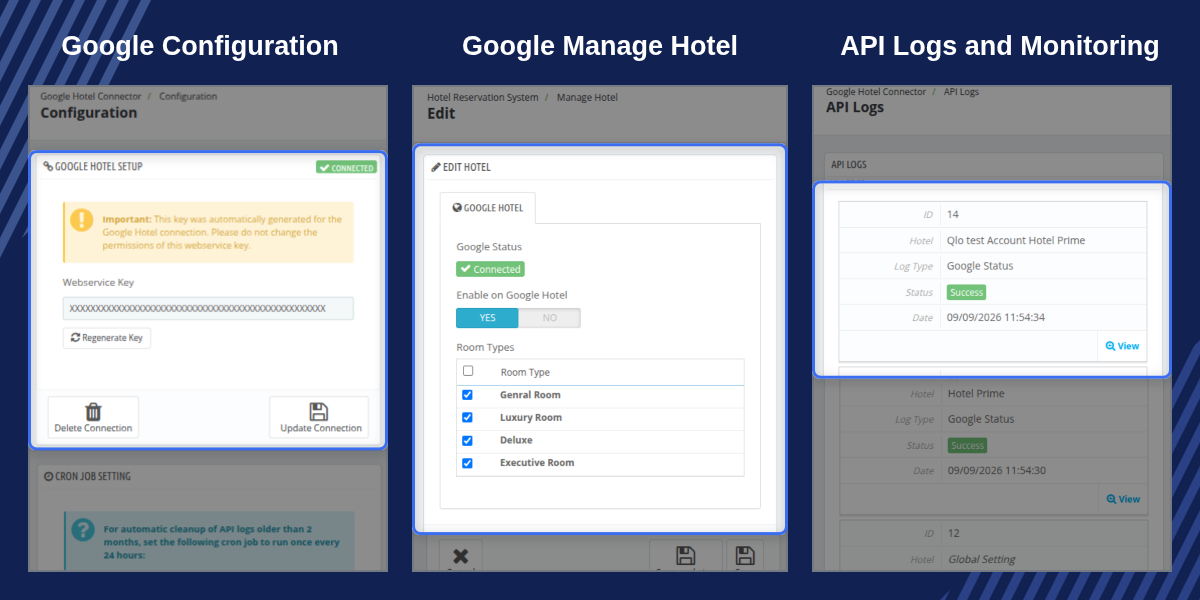
Registers with Google Hotel Center and enrolls every eligible hotel automatically the moment the module is installed, with no manual per-property setup required to get started.
Publishes the same tax- and fee-inclusive total a guest sees at checkout, so Google always shows the real price instead of a bare nightly rate.
Select exactly which room types at each hotel are shared with Google, keeping any inventory a hotel wants to hold back off the feed entirely.
Supplies exact hotel coordinates to Google Hotel Center even at properties that don't use the Google Maps picker, so listings are never rejected for missing location data.
Flags any hotel that isn't yet listed on Google directly on the dashboard and the hotel list, so an issue never goes unnoticed.
Records every request and response exchanged with Google Hotel Center, filterable by hotel, type, and status, for a complete audit trail of every sync.
Notifies hotel staff by email the moment a property goes live on Google Hotel Ads, or explains exactly why verification failed.
The Google Hotel Setup screen connects a shop to Google Hotel Center and shows every hotel currently enrolled.
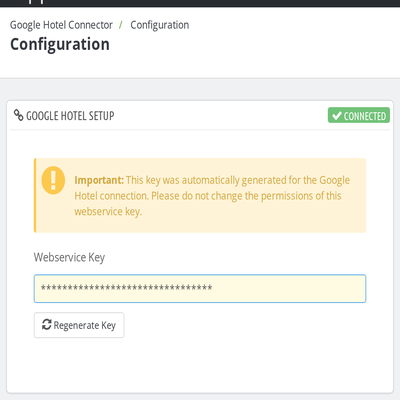
The Google Hotel tab on each hotel's Edit Hotel page controls whether the property is shared with Google and which room types are included.
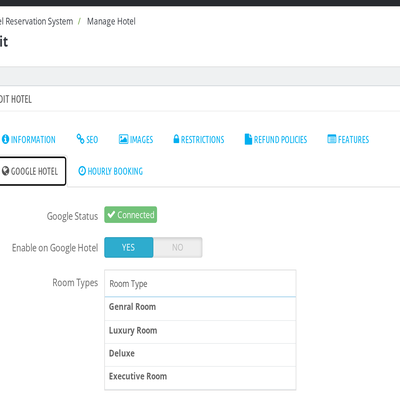
The Manage Hotel list adds a Google Hotel column showing each property's status at a glance — Connected, Pending, Failed, or Not Connected — without opening a single hotel record.
A banner at the top of the same list names any hotel that still needs attention, linking straight to its Edit Hotel page, and a separate banner appears if the shop itself isn't connected to Google Hotel Center yet.
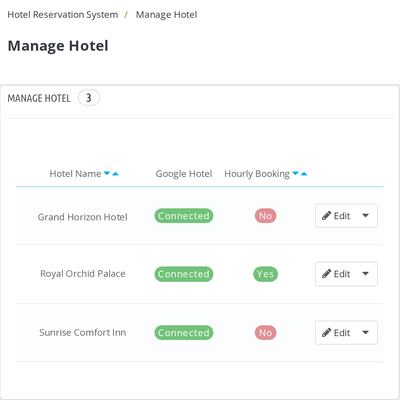
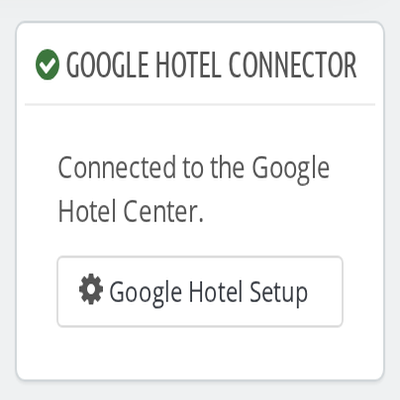
A dedicated panel on the main dashboard shows the shop's Google Hotel connection status the moment an administrator logs in, alongside a matching banner that only appears when something needs attention.
When every enrolled hotel is connected and listed correctly, both simply confirm the shop is connected to Google Hotel Center — no extra clicks required to check that Google Hotel Ads is running normally.
For assistance, create a support ticket here.
Explore more QloApps Add-ons to enhance your website functionality.
Detailed technical features and requirements to help you understand the module’s capabilities and ensure smooth integration with your system.
Detailed technical features and requirements to help you understand the module’s capabilities and ensure smooth integration with your system.
We’re partnered with top-tier, trusted providers!
Want to know more how exactly we are going to power up your eCommerce Website with Cloud to fasten up your store
* Server Configuration may vary as per application requirements.



