Send Again
Close
The QloApps PayU Latam Payment Gateway is a secure payment solution for QloApps that allows hotel businesses to accept online payments across multiple Latin American countries.
The module provides a smooth checkout experience for guests while helping admins manage transactions, payment statuses, and refunds directly from the QloApps backend.
Note: PayU Latam supports businesses registered in Argentina, Brazil, Chile, Colombia, Mexico, Panama, and Peru.
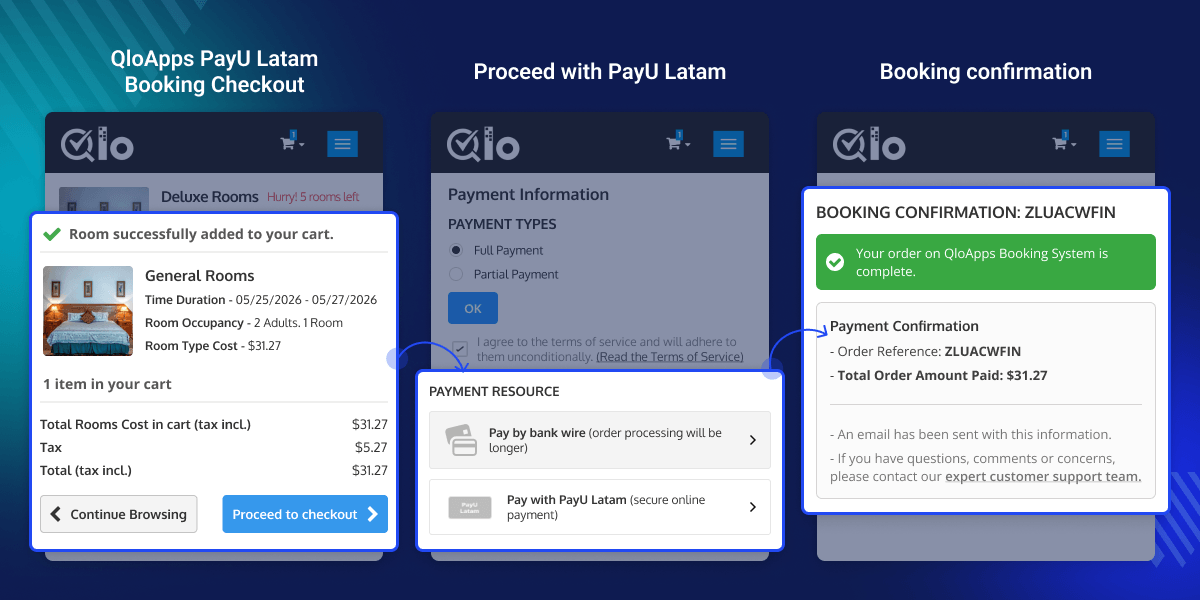
Allows guests to make secure online payments through PayU Latam.
Supports local currencies like ARS, BRL, CLP, COP, MXN, USD, and PEN based on merchant region.
Admins can test transactions in Sandbox mode before enabling live payments.
Admins can process full or partial refunds directly from the transaction detail page.
Track payment records, statuses, customer details, and refund history from the backend.
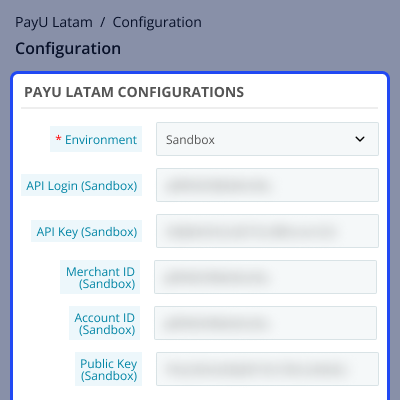
Admins can configure the PayU Latam gateway by entering API credentials and merchant account details from the QloApps back office.
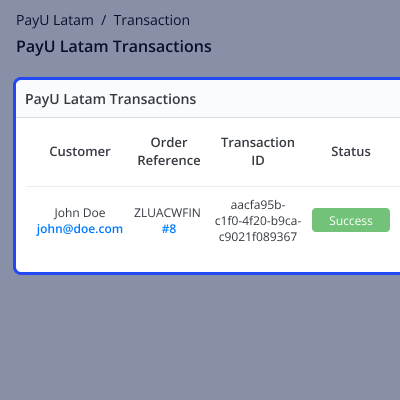
All PayU Latam payments are listed in a dedicated Transactions tab where admins can monitor customer payments, transaction statuses, booking references, and payment amounts.
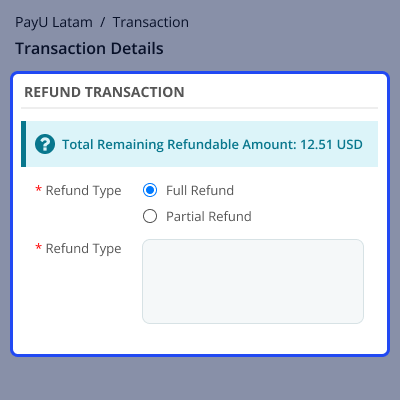
When an admin clicks on a particular transaction from the transaction list, a detailed transaction summary page opens.
From this page, the admin can view complete payment details including transaction amount, customer information, payment status, and refund history.
Admins can also manage full or partial refunds directly from the transaction summary section.
Guests can select PayU Latam during checkout and complete payments securely using the payment methods supported in their country.
After successful payment, QloApps automatically confirms the booking and redirects guests back to the website.
For assistance, create a support ticket here.
Explore more QloApps Add-ons to enhance your hotel website functionality.
Detailed technical features and requirements to help you understand the module’s capabilities and ensure smooth integration with your system.
Detailed technical features and requirements to help you understand the module’s capabilities and ensure smooth integration with your system.
We’re partnered with top-tier, trusted providers!
Want to know more how exactly we are going to power up your eCommerce Website with Cloud to fasten up your store
* Server Configuration may vary as per application requirements.



