Send Again
Close
UVdesk Open Source Ticket Time Tracking module lets admins track how much time agents spend on tickets. Agents can add activities to unassigned or assigned tickets and mark them as billable or non-billable.
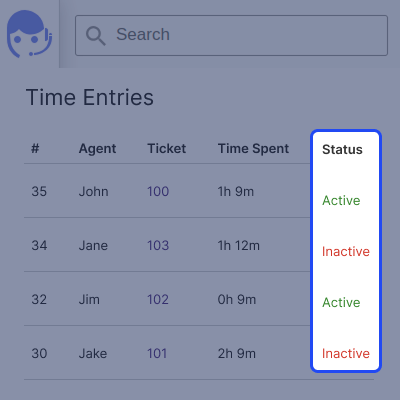
Multiple activities per ticket help keep support organized, while advanced filters make finding records easy. Agents can stop or delete activities anytime to keep tracking accurate. The time entries section shows each activity’s status and the last updated time of all activities.
Note: To use this UVdesk Open Source Ticket Time Tracking module, you need to first install UVdesk Open Source Helpdesk.
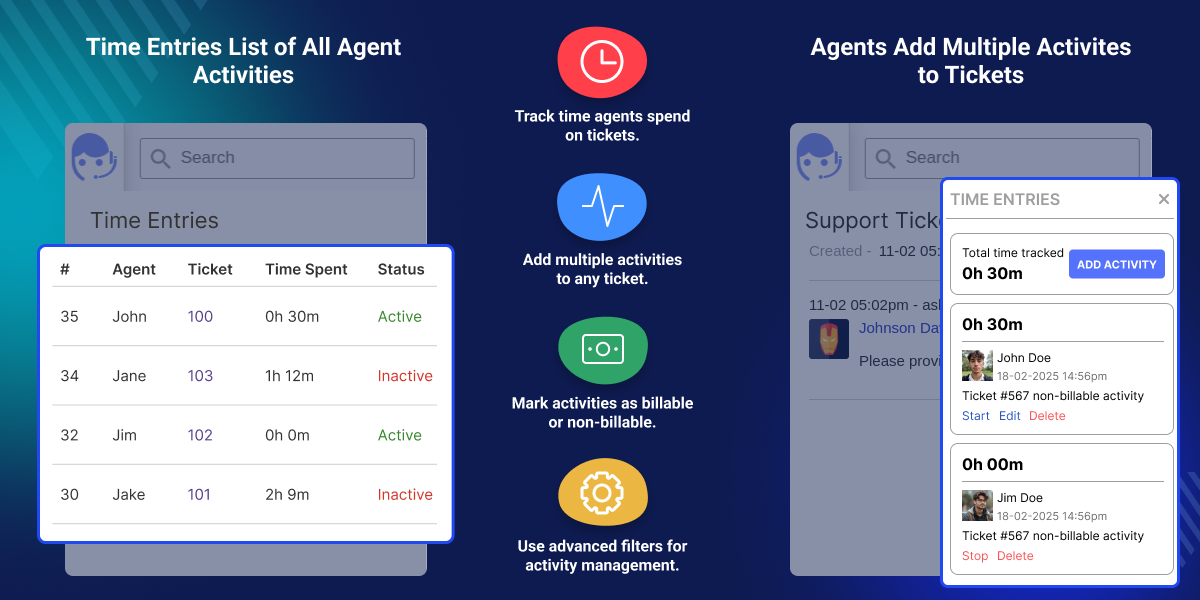
See how much time is spent on each ticket by agent to boost productivity.
Add logs to any ticket, whether assigned or not, and mark them as billable or not.
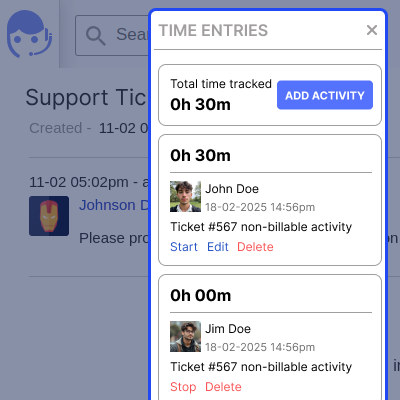
Create multiple activities under one ticket to provide enhanced customer support.
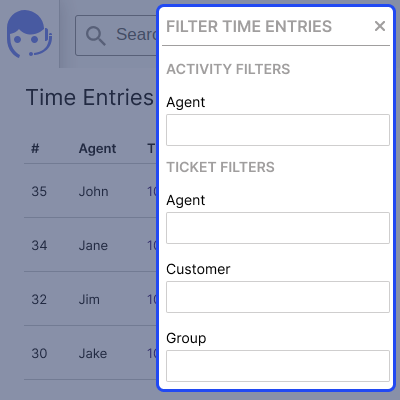
Quickly find and organize activity logs with advanced filters.
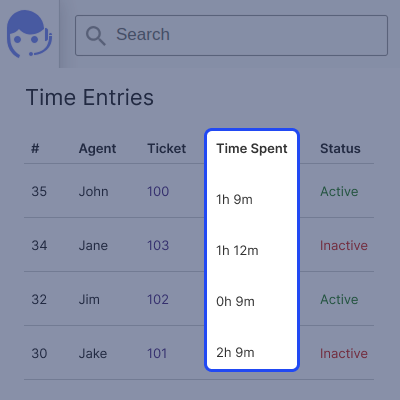
Check if activities are running or stopped, with live status updates.
See when each activity was last updated by the agent to track ticket progress.
UVdesk Open Source Ticket Time Tracking Module helps admins see how much time agents spend on tickets, making work more efficient. Agents can add activities to any ticket, whether it’s unassigned or handled by someone else, and mark them as billable or not.
They can create multiple activities for each ticket to stay organized and solve issues faster. Advanced filters help quickly find any activity. The time entries section shows if activities are active or inactive, keeping everyone updated.
Admins can check when each activity was last updated to understand ticket progress. UVdesk Open Source time entries module is a helpful tool for teams that want easy time tracking and better ticket management.
Explore our UVdesk Open Source SLA App, which lets admins set rules and conditions to ensure timely responses to open tickets.
Easily see how much time agents spend on tickets for clear productivity insights.
Agents can create and manage many activities for any ticket to enhance support.
Easily organize and find time entries with smart filters for quicker decision-making.
Stay informed with real-time updates on agent activities and ticket progress.
For any query or issue, please create a support ticket here http://webkul.uvdesk.com
You may also check our other top-quality UVdesk Apps.
Detailed technical features and requirements to help you understand the module’s capabilities and ensure smooth integration with your system.
Detailed technical features and requirements to help you understand the module’s capabilities and ensure smooth integration with your system.
We’re partnered with top-tier, trusted providers!
Want to know more how exactly we are going to power up your eCommerce Website with Cloud to fasten up your store
* Server Configuration may vary as per application requirements.



