- Description
- Reviews
- FAQ
- Customers ()
- Specifications
- Cloud Hosting
- Changelog
The ERPNext HubSpot CRM tool helps you sync your customer and sales data. It lets you run and update data on both apps from one single spot.
Many firms use ERP and CRM tools together. Moving data by hand takes too much time. It can cause bugs, lost data, and duplicate files. This tool fixes that problem with a smooth, two-way sync.
The ERPNext HubSpot CRM tool syncs your Contacts, Leads, Deals, and Items. It also updates your files each time a new sync runs.
Sales teams can see fresh customer and deal data on both apps. This helps you talk to clients, track sales, and do daily tasks with ease.
The tool stops duplicate Contacts and Items. It uses email and SKU checks to find matches. This keeps your records clean and true.
You can run many HubSpot CRM accounts right from ERPNext. The tool also keeps safe maps of your data to ensure the two-way sync works well.
The tool makes it very easy to manage your sync settings.
With ERPNext and HubSpot CRM working as one, you can cut out manual tasks. You will save time, fix data bugs, and make your work simple.
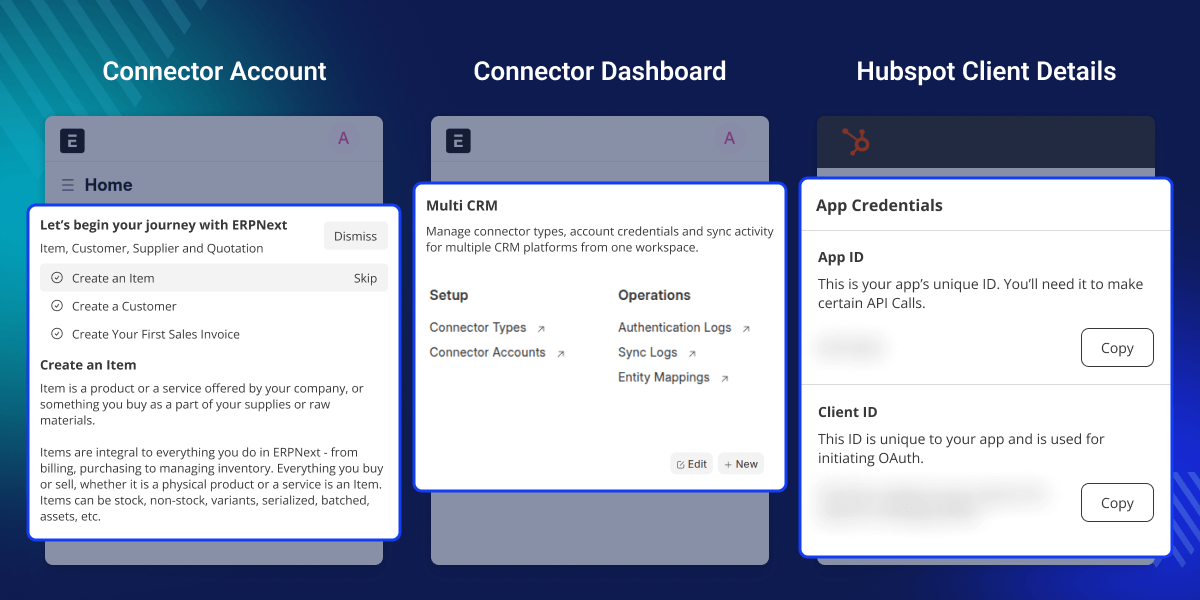
Highlighted Features
Two-Way Data Synchronization
Synchronize customer and sales data between ERPNext and HubSpot CRM with two-way synchronization support.
Contact Synchronization
Synchronize Contact data between ERPNext and HubSpot CRM without repeated manual updates.
Lead Synchronization
Synchronize Lead records between ERPNext and HubSpot CRM with support for Lead data mapping.
Opportunity Synchronization
Synchronize Opportunities (Deals), sales stages, data between ERPNext and HubSpot CRM.
Product(Item) Synchronization
Synchronize Product(Item) data between ERPNext and HubSpot CRM across both platforms.
Duplicate Record Prevention
Prevent duplicate Contacts and Product(Item) records with email and SKU matching.
Multiple Account Management
Manage multiple HubSpot CRM accounts directly from ERPNext from a single system.
Record Mapping Management
Maintain proper record mapping between ERPNext and HubSpot CRM for reliable synchronization.
Prerequisites for using ERPNext HubSpot CRM Connector
ERPNext HubSpot CRM Connector works in conjunction with the following module:
You must install the above-mentioned module to use ERPNext HubSpot CRM Connector.
Why do we need ERPNext HubSpot CRM Connector ?
Manual ERP and CRM data entry takes too much time. It creates many mistakes. Businesses often get duplicate records. They get old info and miss key updates because they use multiple platforms.
Default ERP and CRM tools do not sync well. They lack smooth, two-way data flows for customer records, Opportunities, and Products. This causes extra manual work for sales teams and management teams.
The ERPNext HubSpot CRM Connector fixes this. It automates synchronization between ERPNext and HubSpot CRM. This connector updates records on its own. It reduces manual operations.
The module keeps customer, Lead, and sales data accurate across both systems. It improves workflow efficiency. This connector supports reliable business operations. It brings simple CRM management to growing businesses.
Use Cases
Centralized Customer Data Management
Businesses can manage customer data from ERPNext and synchronize HubSpot CRM records from a single system.
Lead Synchronization Management
Sales teams can synchronize Lead records between ERPNext and HubSpot CRM without repeated manual updates.
Opportunity Management
Businesses can synchronize Opportunities (Deals) between ERPNext and HubSpot CRM with proper Opportunity mapping.
Product(Item) Synchronization Management
Businesses can synchronize Product(Item) records between ERPNext and HubSpot CRM with proper record mapping.
Multi-Account CRM Management
Organizations using multiple HubSpot CRM accounts can manage all accounts directly from ERPNext.
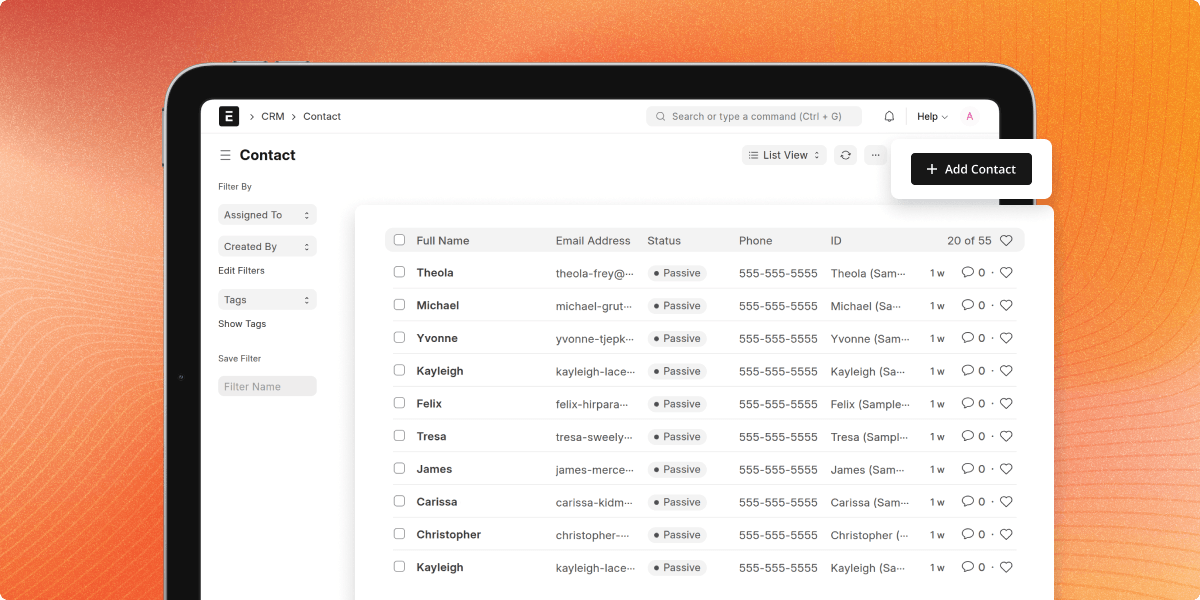
Contact Synchronization
The ERPNext HubSpot CRM Connector syncs Contacts between ERPNext and HubSpot CRM. It works on its own. This tool keeps customer data live on both platforms. It cuts manual work.
- Sync Contacts from ERPNext to HubSpot CRM.
- Sync Contacts from HubSpot CRM to ERPNext.
- Sync Name, Email, Phone Number, and Company details.
- Avoids duplicate Contacts using smart email matching.
- Auto-update all synced Contact records.
- Maintain accurate Contact mapping across both platforms.
Lead Synchronization
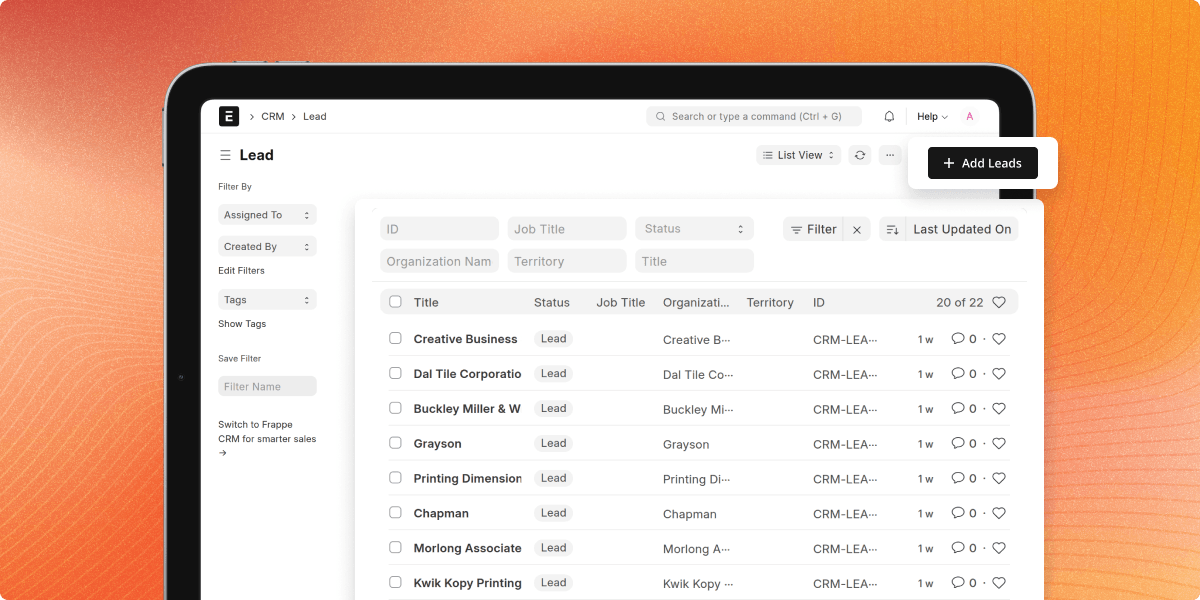
The HubSpot Connector for ERPNext syncs Leads between ERPNext and HubSpot CRM. Data moves both ways. Sales teams see live Lead data inside both systems.
- Sync Leads between ERPNext and HubSpot CRM.
- Sync Lead Name, Email, Company, and Lead Source details.
- Auto-update synced Lead records.
- Maintain Lead and Contact relationships.
- Avoid duplicate Lead creation.
- Maintain Lead mapping between both systems.
Opportunity Synchronization
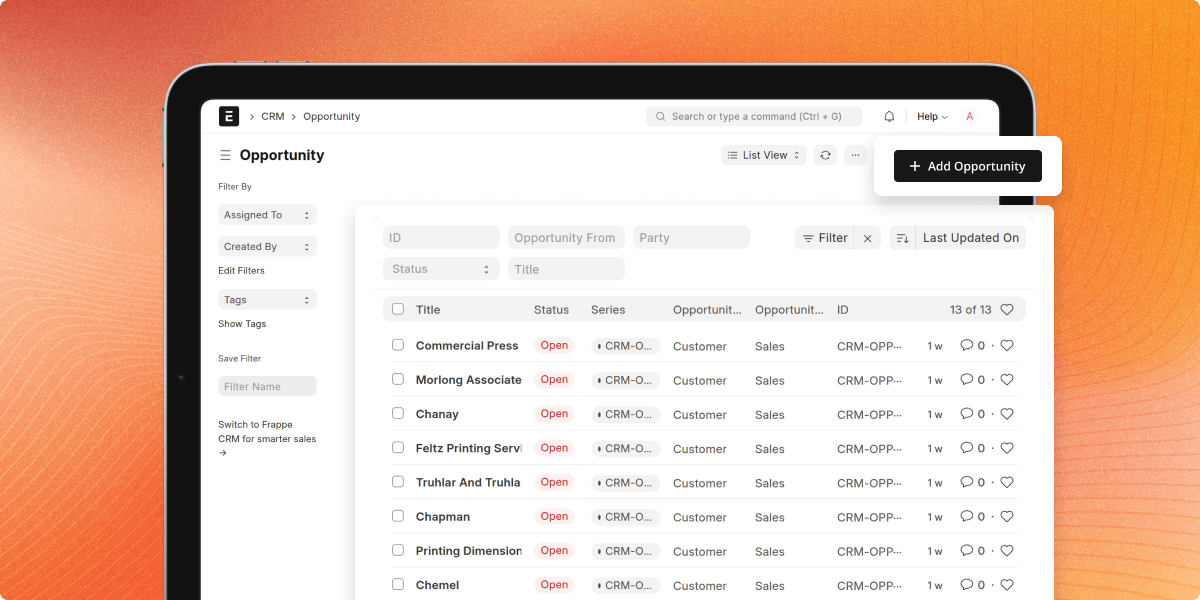
The ERPNext CRM Connector automatically syncs Opportunities (Deals) between ERPNext and HubSpot CRM.
- Sync Opportunities between ERPNext and HubSpot CRM.
- Sync Closing Date and Opportunity Notes.
- Link Opportunities with Contacts and Leads.
- Auto-update synced Opportunity records.
- Maintain proper Opportunity record mapping.
Product (Item) Synchronization
ERPNext HubSpot CRM Connector helps businesses sync Products and Items between ERPNext and HubSpot CRM. The connector keeps product data accurate across both systems.
- Sync Products between ERPNext and HubSpot CRM.
- Sync Product Name, SKU, Description, and Price.
- Stop duplicate Products with SKU matching.
- Auto-update synced Product records.
- Maintain Product mapping between both systems.
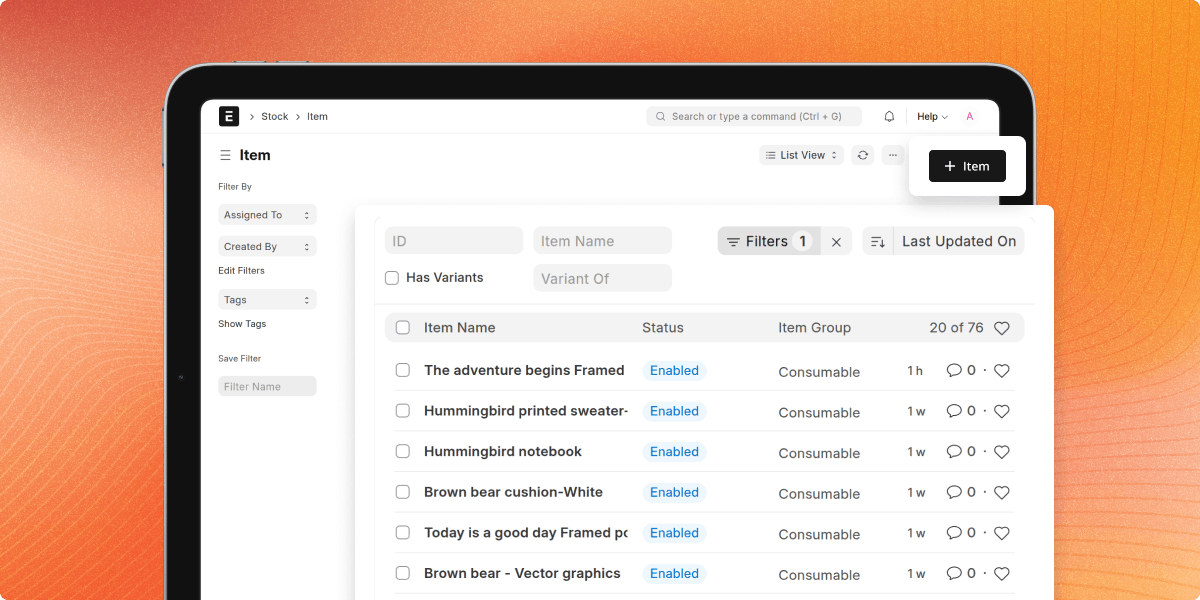
Multiple HubSpot CRM Account Management
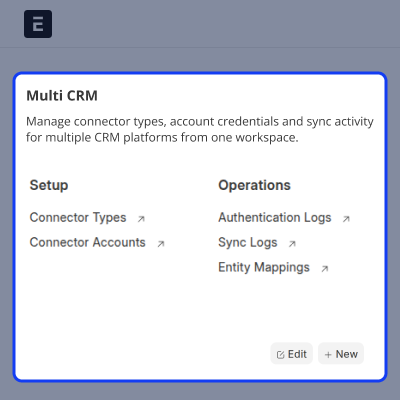
The HubSpot CRM ERPNext connector lets businesses run more than one HubSpot CRM account right from ERPNext. This helps teams manage many CRM operations from just one ERP system.
- Manage many HubSpot CRM accounts.
- Set sync rules for each account on its own.
- Keep sync records for each account separate.
- Track synced data for each account.
- Make HubSpot CRM account management easy from ERPNext.
Support
For any query or issue, please create a support ticket here CREATE A TICKET HERE
You may also check our other top-quality ErpNext Modules.
Specifications
FAQ’s
Specification
Detailed technical features and requirements to help you understand the module’s capabilities and ensure smooth integration with your system.
Cloud Hosting
Detailed technical features and requirements to help you understand the module’s capabilities and ensure smooth integration with your system.
Move to Cloud Today
We’re partnered with top-tier, trusted providers!



Default Configuration Details of Server
RAM 1 Core
Processor 30 GB
Hard Disk
Database
Want to know more how exactly we are going to power up your eCommerce Website with Cloud to fasten up your store
* Server Configuration may vary as per application requirements.
