Send Again
Close
Laravel Aramex Shipping is a module for Laravel eCommerce stores. It connects your store with the Aramex API. It calculates shipping cost at checkout.
The module shows live shipping rates based on order weight, location, and service. Customers can see delivery charges before placing the order. This reduces confusion.
Admin can enable shipping for selected countries and channels. This helps control where the shipping method is available. It also supports region-based delivery.
Laravel Aramex Shipping extension supports test mode and live mode. Admin can test using sandbox credentials. Then switch to live mode when ready. It supports both local and international shipping.
To use it, admin adds Aramex account details. These include account number, entity, username, password, and PIN. It works well for stores with multi-region delivery.
Also, you can check Laravel eCommerce DHL Shipping addon to connect your Laravel store with DHL shipping services for fast and reliable rate calculation.
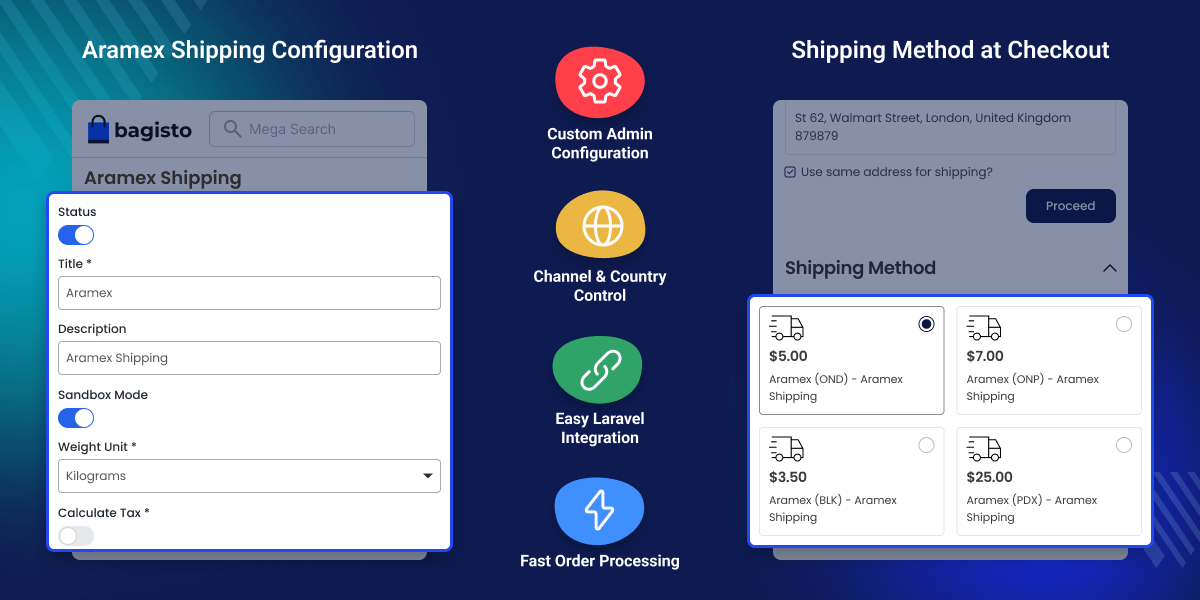
Show delivery cost at checkout based on order details.
Connect your store with Aramex to get shipping rates.
Allow shipping only in selected countries.
Add tax to shipping charges when needed.
Default shipping systems use fixed rates. They do not change based on order weight or location. This can lead to wrong delivery charges at checkout.
Admin may need to update shipping rates manually. This increases effort and slows down order processing. This module solves this problem by using Aramex API to calculate shipping cost based on real order details.
It shows accurate shipping cost at checkout and helps avoid pricing errors for every order. Built for stores handling multi-region delivery with dynamic shipping rates and flexible pricing needs.
Additionally, you can use Laravel AliExpress Dropshipping module that allows you to import products from AliExpress into your Bagisto store and manage them easily for seamless dropshipping operations.
Show shipping rates for global orders at checkout.
Manage delivery charges by region within the same country.
Allow customers to pay at delivery using Aramex COD service.
Show live shipping rates at checkout without manual pricing setup.
View and manage order payment and shipping details from the admin panel.
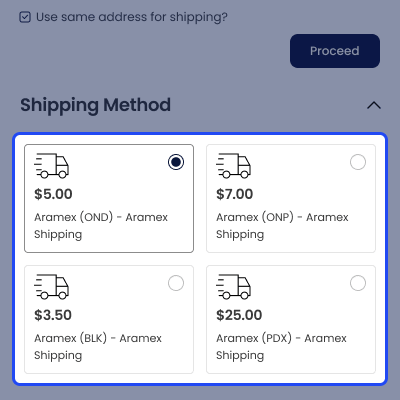
Show Aramex shipping options with delivery charges at checkout.
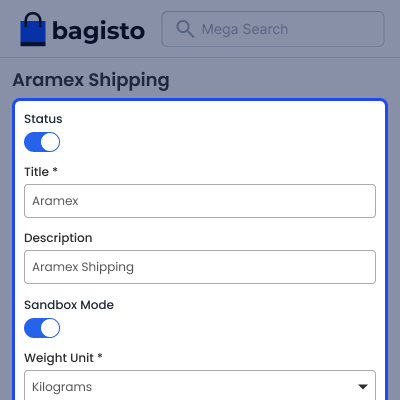
Configure Aramex shipping settings from the admin panel.
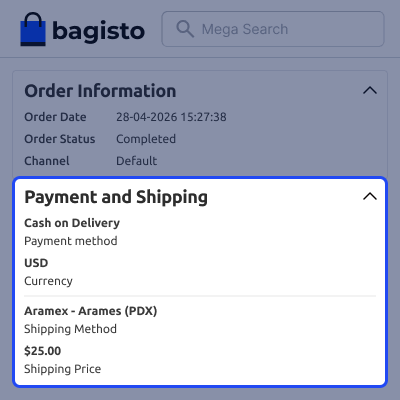
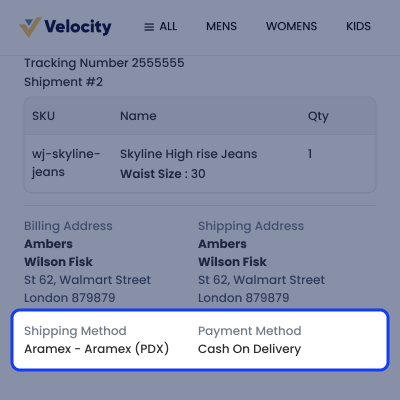
View order shipping and payment method details for each order.
For any issue related to this module, please create a support ticket here or send an email to [email protected]
You may also check our quality Bagisto Extensions.
Detailed technical features and requirements to help you understand the module’s capabilities and ensure smooth integration with your system.
Detailed technical features and requirements to help you understand the module’s capabilities and ensure smooth integration with your system.
We’re partnered with top-tier, trusted providers!
Want to know more how exactly we are going to power up your eCommerce Website with Cloud to fasten up your store
* Server Configuration may vary as per application requirements.



