Send Again
Close
Magento 2 Digipin makes address entry easy for customers. When a customer selects a city and region, the Digipin fills on its own. The module works with all address forms, including saved addresses, checkout pages, and multi-address pages.
This reduces address errors and helps speed up delivery. Apart from this, if you want to manage different address labels more efficiently, you can also explore Magento 2 Multiple Address Label.
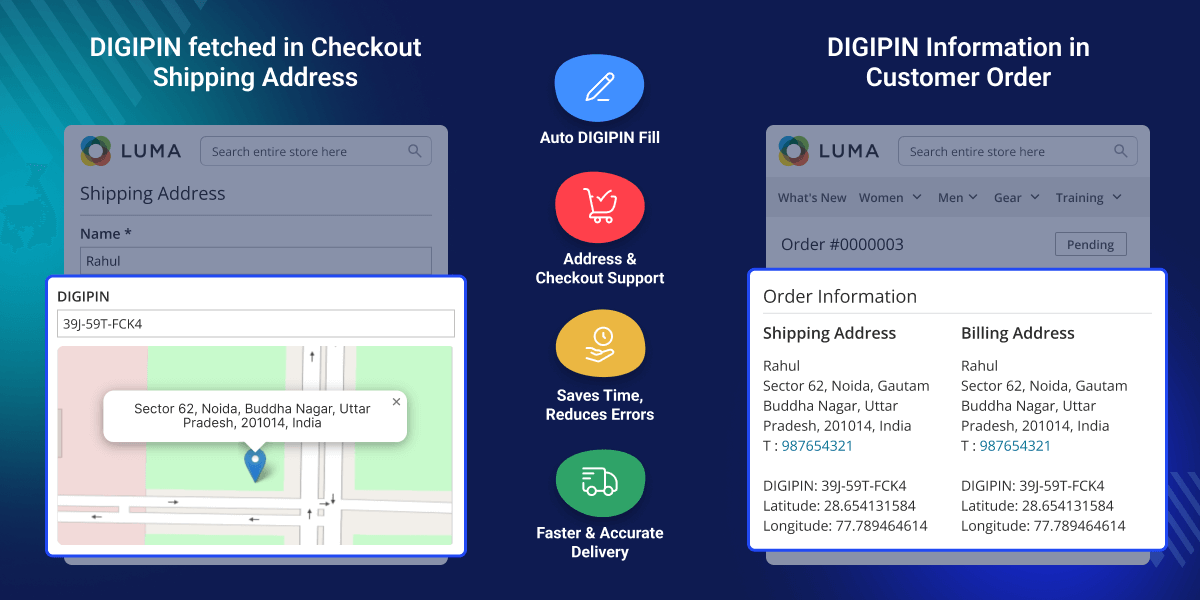
Automatically finds and fills the Digipin using the entered address details.
Adds the Digipin during checkout for both shipping and billing addresses.
Works when customers add new addresses or edit their saved address details.
Automatically fills the Digipin for new addresses used in multi-shipping.
Magento 2 Digipin helps avoid incorrect digital pin codes that often lead to delivery delays. It automatically fills the correct pin code when customers select their city and region, keeping address details accurate.
This saves customer time during checkout and helps store owners receive complete address information. As a result, deliveries are faster and shipping issues are reduced.
If you want to simplify address entry further, explore our Magento 2 Google Address Autocomplete.
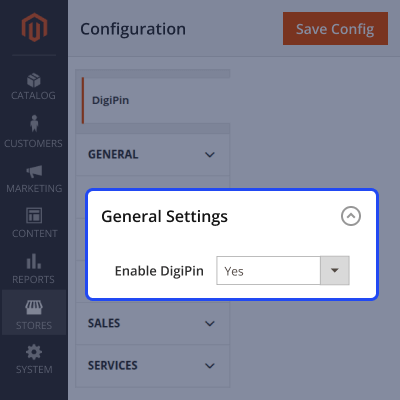
After installing the module, the admin can configure DigiPin settings from the backend.
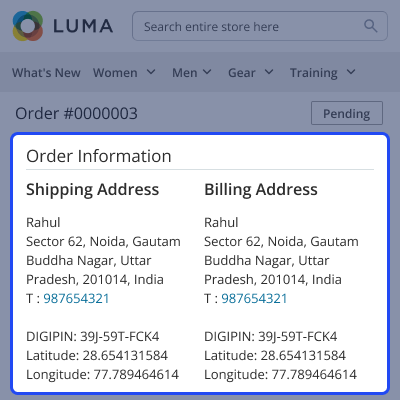
Once an order is placed, customers can view the DigiPin in their order details.
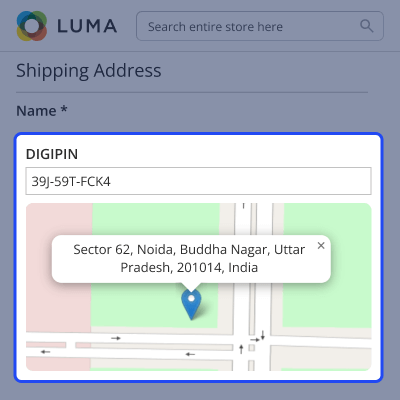
During checkout, the DigiPin is added automatically based on the address details.
For any query or issue, please create a support ticket here http://webkul.uvdesk.com/.
You may also check our top-quality Magento 2 Extensions.
Detailed technical features and requirements to help you understand the module’s capabilities and ensure smooth integration with your system.
Detailed technical features and requirements to help you understand the module’s capabilities and ensure smooth integration with your system.
We’re partnered with top-tier, trusted providers!
Want to know more how exactly we are going to power up your eCommerce Website with Cloud to fasten up your store
* Server Configuration may vary as per application requirements.



