Send Again
Close
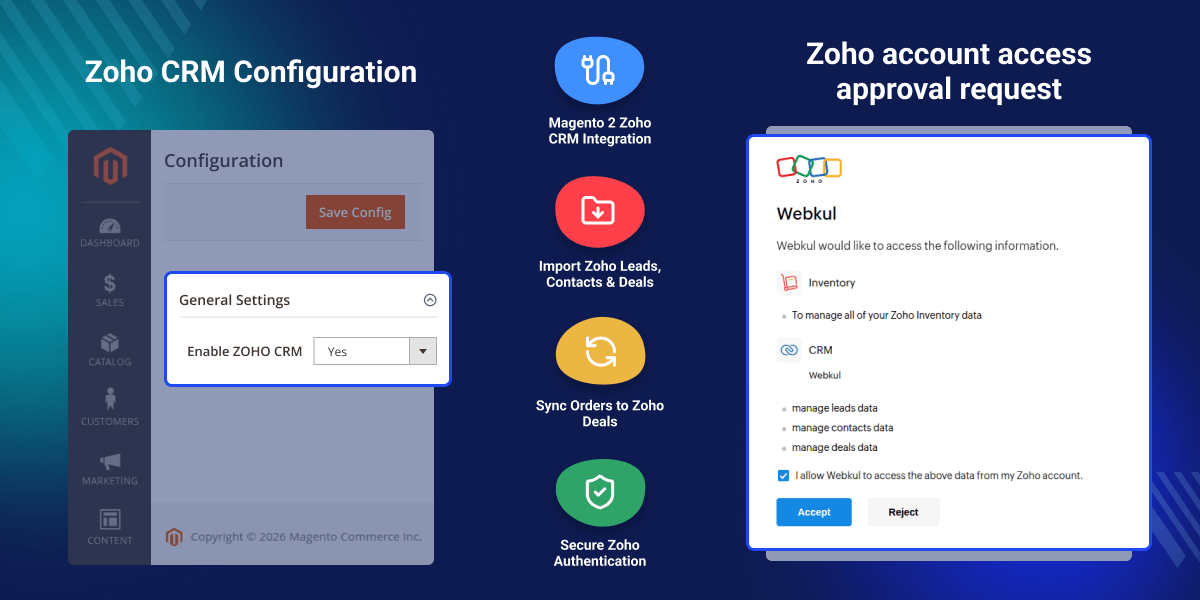
Magento 2 Extension for Zoho CRM connects Magento 2 with Zoho CRM for direct access to CRM data inside your store admin. It allows you to import Zoho leads, contacts, and deals into Magento, so you can manage customer and sales data without switching platforms.
This Magento 2 Zoho CRM connector helps keep records updated by syncing CRM data into Magento. Admins can view and use leads, contacts, and deals directly from the backend, improving workflow and reducing manual effort.
The module also supports linking Magento orders with Zoho CRM deals. This helps track sales more effectively. When an order is created and linked to a deal, the deal stage can be updated automatically to “Closed Won,” improving sales visibility and process automation.
This integration focuses on data import and does not support export. It is useful for businesses that want to use Zoho CRM data inside Magento for better order and deal management.
Additionally, if you want seamless Zoho CRM and Odoo integration to automate leads, customers, and sales pipelines, you can also check Odoo Zoho CRM Connector.
Link Magento orders with existing Zoho CRM deals for better tracking.
Automatically set deal stage to “Closed Won” when an order is placed.
Import leads, contacts, and deals into Magento admin panel.
Map Zoho CRM fields with Magento fields for accurate data alignment.
Magento does not provide direct access to Zoho CRM data like leads, contacts, and deals. This forces admins to switch between systems, which slows down operations and reduces visibility.
This module solves the problem by importing Zoho CRM data into Magento. Admins can view and use CRM data directly from the backend, making processes faster and more efficient.
It also links Magento orders with Zoho CRM deals and updates deal stages automatically. This improves sales tracking, reduces manual work, and helps maintain accurate records.
This module helps businesses use Zoho CRM data effectively within Magento 2.
Link Magento orders with existing Zoho CRM deals for better sales tracking.
Automatically update deal stage to “Closed Won” when an order is created.
Import leads, contacts, and deals into Magento for direct access.
Map CRM fields with Magento fields to maintain consistent data.
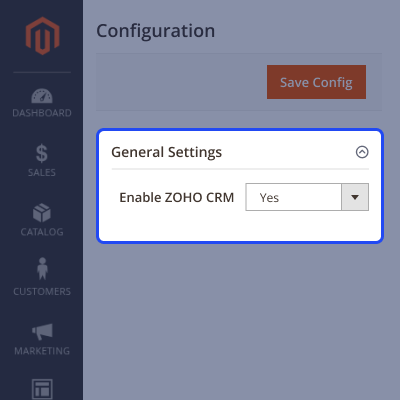
Magento 2 connects with Zoho CRM through module configuration. This allows CRM features to be managed directly from the admin panel.
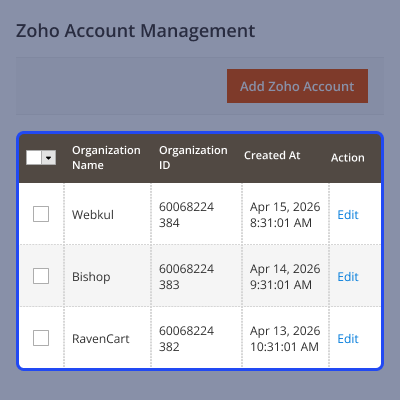
Connect your Zoho CRM account using API credentials to enable data access and import into Magento.
Create and manage deals in Zoho CRM so they can be imported into Magento for better sales tracking.
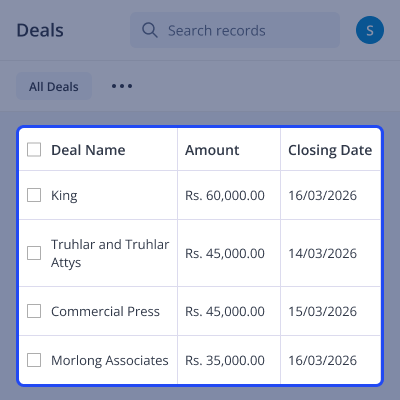
Magento displays imported Zoho CRM deals in the admin panel, allowing easy tracking and order linking.
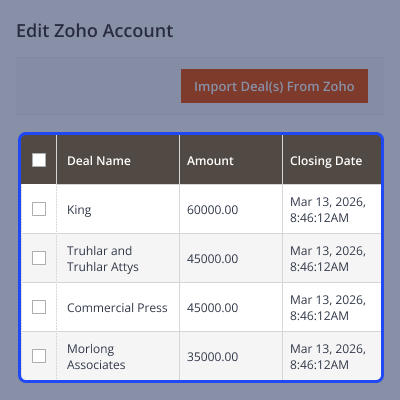
Create and manage leads in Zoho CRM so they can be imported into Magento for better tracking.
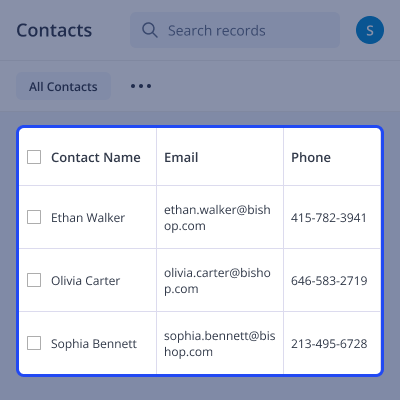
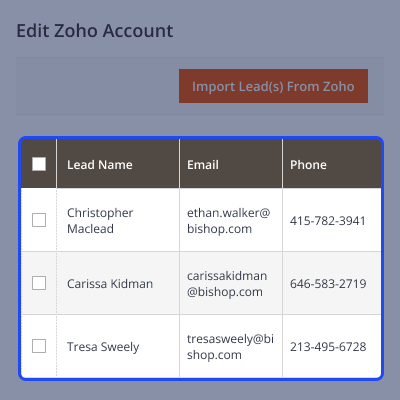
Imported leads are available in Magento admin, making it easy to access and use customer data.
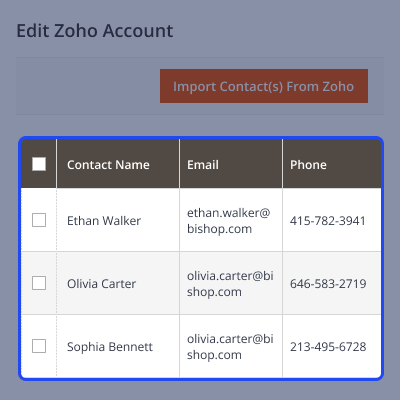
Create and manage contacts in Zoho CRM so they can be imported into Magento for better customer handling.
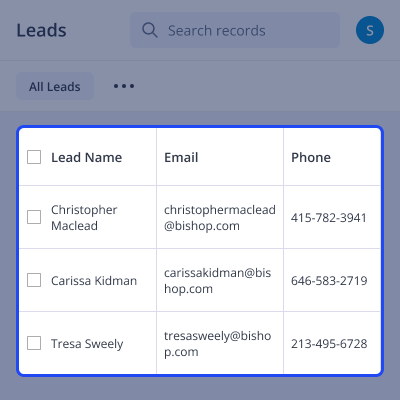
Magento shows all imported Zoho CRM contacts in a dedicated section for easy access and usage.
For any query or issue, please create a support ticket here http://webkul.uvdesk.com/.
You may also check our top-quality Magento 2 Extensions.
Detailed technical features and requirements to help you understand the module’s capabilities and ensure smooth integration with your system.
Detailed technical features and requirements to help you understand the module’s capabilities and ensure smooth integration with your system.
We’re partnered with top-tier, trusted providers!
Want to know more how exactly we are going to power up your eCommerce Website with Cloud to fasten up your store
* Server Configuration may vary as per application requirements.



