Send Again
Close
Medusa Mobile App Builder helps brands, agencies, and store owners turn a Medusa store into a customer-facing Flutter native mobile commerce app for Android and iOS.
The app gives shoppers a complete buying flow. Customers can discover products, browse categories, search the catalog, add items to cart, apply coupons, and place orders from their phone.
It supports both guest and registered customer journeys. Buyers can create accounts, manage profiles, save addresses, view past orders, and check delivery updates after purchase.
This is not just a product catalog app. It supports real shopping actions such as variant selection, cart updates, shipping selection, address reuse, order review, and delivery tracking.
Store owners can use it to extend an existing Medusa storefront to mobile. Agencies can also adapt it for client projects with white-label branding and flexible app presentation.
For store teams, real-time sync helps reduce manual updates. Product data, categories, pricing, inventory, and customer data can stay aligned between Medusa and the mobile app.
If you want a mobile marketplace solution that helps customers shop easily and allows sellers to manage inventory, products, and orders on the go, check Magento 2 Multi Vendor Mobile App.
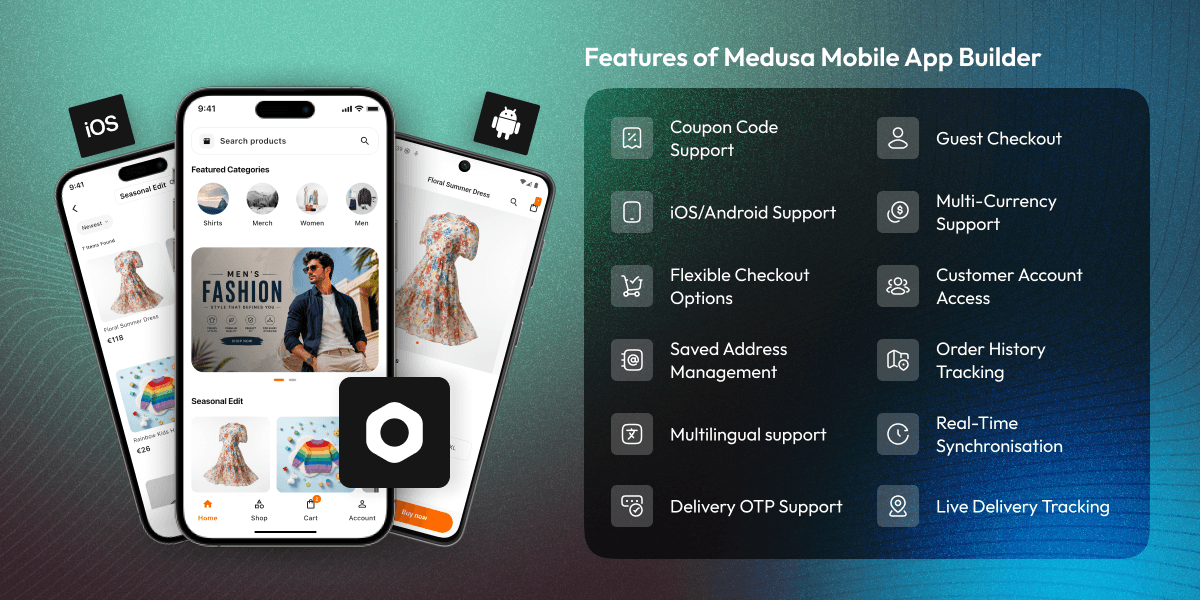
Launch a mobile app for Android and iOS users. Customers can browse products, manage accounts, and complete purchases through a mobile-first interface.
Show hero banners, promotional sections, featured categories, curated product carousels, seasonal campaigns, launches, and highlighted collections.
Help customers find products with a dedicated search screen, category browsing, subcategories, sorting, filters, and refreshed catalog views.
Let shoppers review cart items, update quantities, remove products, apply coupons, select shipping, and complete checkout as guests or registered users.
Support signup, login, password recovery, profile access, saved addresses, default address options, preferences, sign out, and account deletion.
Give customers access to order history, order details, payment status, fulfillment status, delivery timeline, OTP, partner details, and live map tracking.
Many Medusa stores start with a web storefront. That works for online browsing, but repeat mobile shoppers often expect faster access, saved details, and clear post-purchase updates.
A web-first setup can make customers repeat simple actions. They may need to search again, enter address details again, or contact support to ask about order status.
Medusa Mobile App Builder solves this by giving customers one mobile app for discovery, search, cart, checkout, accounts, addresses, orders, and tracking. It also helps store teams keep data consistent. Product, category, price, inventory, and user updates can stay connected with the Medusa store.
In practical Medusa projects, the value is not only launching an app. It is also keeping the buying flow, customer data, and order updates easier to manage after launch.
If you want to convert your Adobe Commerce store into a multi-vendor marketplace where sellers can manage products, inventory, and orders independently, check the Marketplace Multi Vendor Module for Magento 2.
Brands can offer customers a dedicated shopping app to explore collections, buy products, save addresses, and track orders.
Store owners can extend an existing Medusa setup to mobile without limiting customers to a browser-based shopping flow.
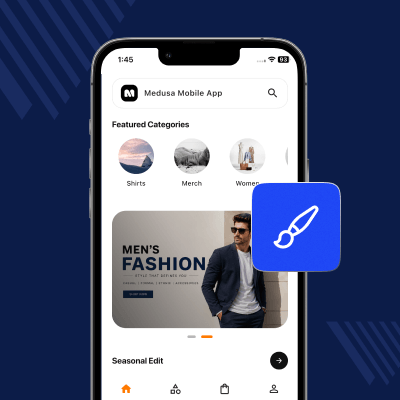
Agencies can customize the app name, launcher icon, colors, fonts, and brand assets for different client stores.
Stores that need post-purchase updates can show delivery status, OTP, partner contact details, vehicle information, and live route tracking.
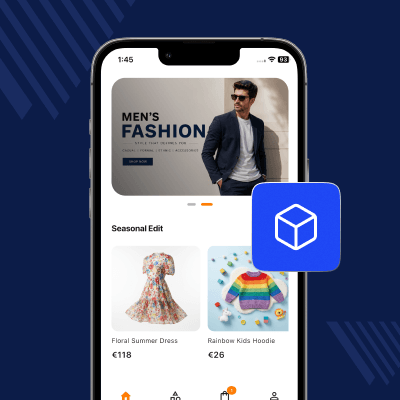
The app gives customers a mobile homepage built for product discovery. Store teams can promote offers, collections, launches, and featured products from one storefront experience.
This helps shoppers reach important products faster. It is useful for seasonal campaigns, new arrivals, best sellers, limited-time offers, and curated collections.
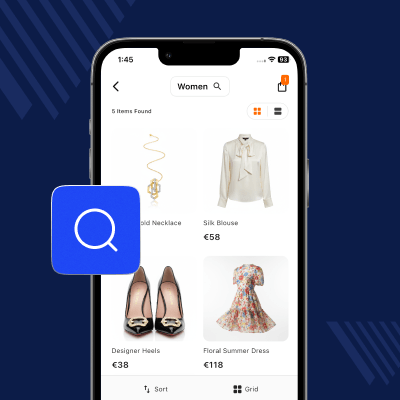
Customers can browse the product catalog in a clean mobile layout. They can move from categories to product listings, use search, apply filters, and sort results.
The app supports category-aware and collection-aware catalog views. This helps shoppers see relevant products based on the category, collection, or entry point they choose.
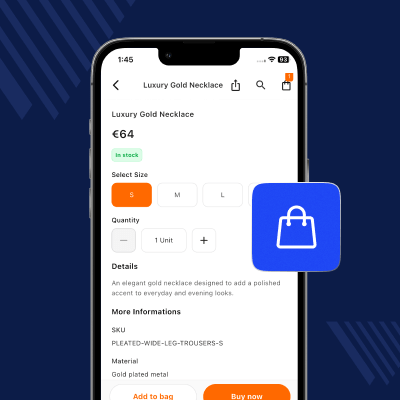
Product pages help customers review key details before purchase. Buyers can check images, prices, variants, options, and quantity before adding an item to the cart.
This makes the product selection process clearer. Customers can choose the right option, buy directly, open the cart, or share a product link with others.
The cart gives customers control before checkout. They can review selected items, update quantities, remove products, apply coupon codes, and check the order total.
The checkout flow supports both guest and registered customers. Buyers can enter contact details, use saved addresses, select shipping, and confirm the order from the app.
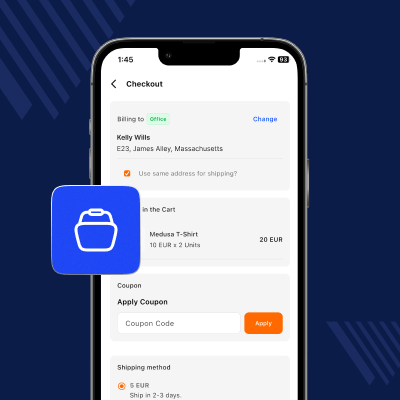
The app supports customer account access for repeat shopping. Buyers can sign up, log in, reset passwords, and return to protected screens after login.
Saved addresses help customers place future orders faster. They can add, edit, delete, reuse, and mark default shipping or billing addresses from the app.
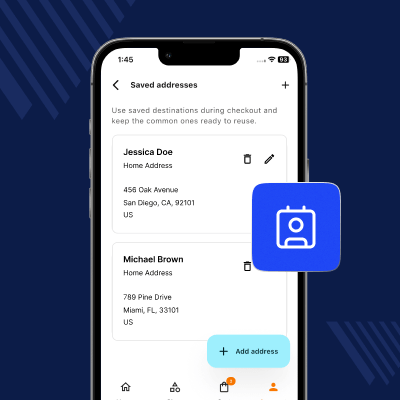
Customers can view previous orders and check the status of active purchases. This helps reduce common support questions after checkout.
For stores with managed delivery visibility, the app can show delivery details inside the order page. Customers can see status progress, verification details, and live route updates.
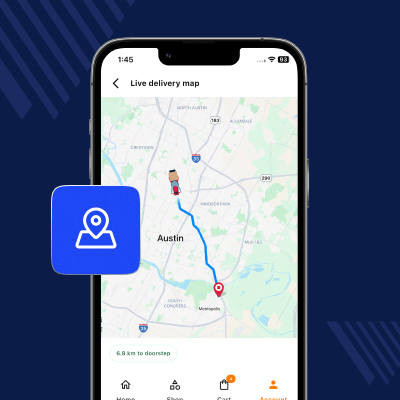
Real-time sync keeps the app connected with the Medusa store. Product data, categories, pricing, inventory, and user data can stay updated across channels.
This reduces repeated manual work for store teams. It also helps customers see more accurate product, price, and availability information in the mobile app.
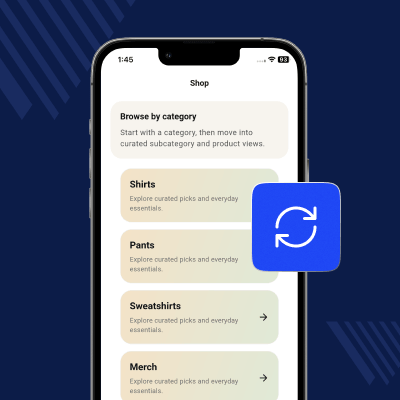
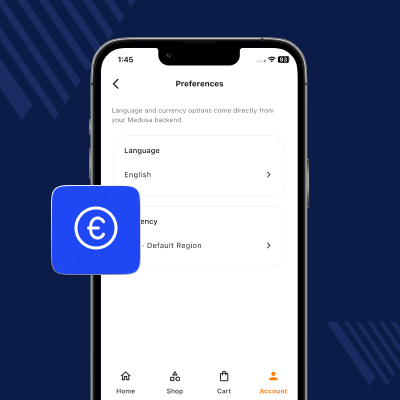
The app supports customer preferences for language, currency, and region. Buyers can shop with settings that match their local needs.
This helps stores serve customers across different markets. A localized app experience can make product browsing and price review easier for international shoppers.
Medusa Mobile App Builder is built for branded mobile commerce. Store owners and agencies can adapt the app to match different business styles.
For agencies, white-label branding helps reuse the same mobile commerce base across different Medusa client projects while keeping each app brand-specific.
Mobile Storefront Features
Product Discovery Features
Checkout and Account Features
Orders, Sync, and Branding
For any query or issue, please create a support ticket here http://webkul.uvdesk.com/.
You may also check our top-quality Magento 2 Extensions.
Detailed technical features and requirements to help you understand the module’s capabilities and ensure smooth integration with your system.
Detailed technical features and requirements to help you understand the module’s capabilities and ensure smooth integration with your system.
We’re partnered with top-tier, trusted providers!
Want to know more how exactly we are going to power up your eCommerce Website with Cloud to fasten up your store
* Server Configuration may vary as per application requirements.
Initial Release



