Send Again
Close
Salla Odoo Connector connects your Salla store with Odoo. You manage store data from Odoo and sync categories, products, customers, and orders from Salla into Odoo.
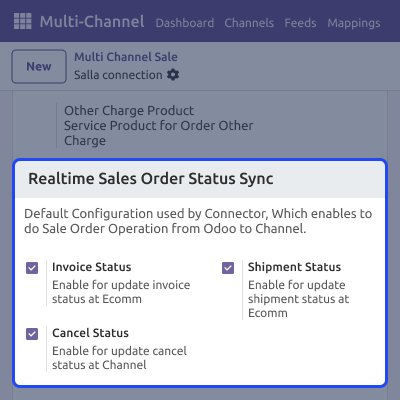
The module offers manual sync, as well as scheduled sync, and real-time updates for order status. Stock levels and order statuses stay the same in both Odoo and Salla.
With feed-based review, clear sync logs, and a central dashboard, you can track data movement and manage daily store tasks.
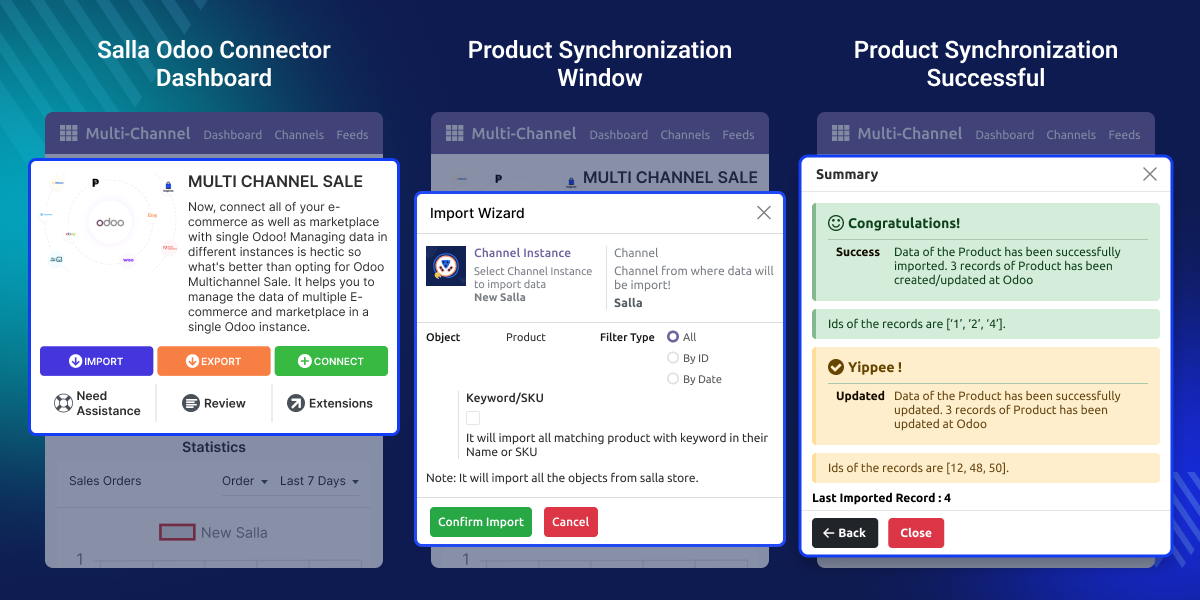
Managing store data manually between Salla and Odoo can be slow and prone to errors. As order volume grows, keeping products, orders, and inventory in sync across both platforms becomes harder.
For example, when orders are placed on Salla, the admin needs them in Odoo to manage billing, delivery, and stock. The connector brings orders into Odoo and updates order status in Salla, helping save time and reduce manual work.
Salla Odoo Connector works with Odoo Multi-Channel Sale Module. You need to install this module first to use Salla Odoo Connector.
For Odoo Online (SaaS) users, you must migrate to Odoo.sh before using this connector, as Odoo Online restricts third-party installations.
You can integrate up to three e-commerce store instances with Odoo. To integrate more than three instances, you can contact our Support Team.
Note: This module requires an active subscription to Odoo Connector by Webkul on the Salla store.
Order status updates in Odoo are synced to Salla automatically, keeping order information same on both platforms.
Categories, products, customers, and orders can be manually synced from Salla into Odoo when required.
Sync only the required data using filters such as specific IDs, date range, or all available records.
Orders and categories can be synced from Salla to Odoo using scheduled cron jobs with Salla Odoo Connector
Product categories and product details remain synced between Salla and Odoo for easier catalog management.
Stocks are synced in real time from Odoo to Salla to help avoid overselling and stock mismatch.
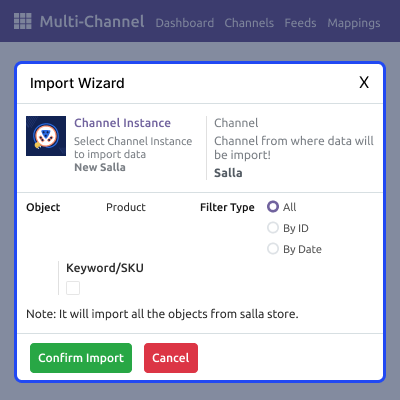
Manage products and categories from Odoo while keeping Salla data up to date.
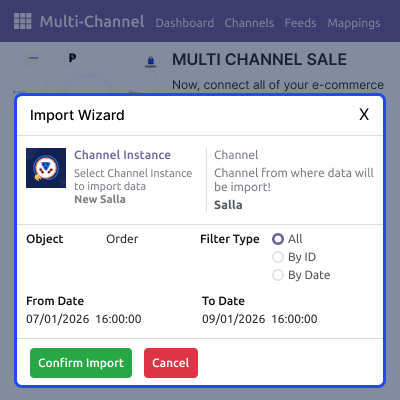
Manage Salla orders in Odoo and order status in both systems.
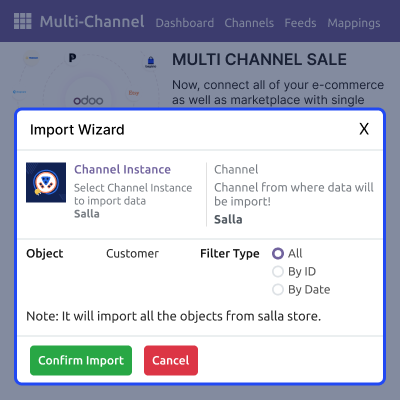
Keep customer details synced between Salla and Odoo.
Reduce manual work by using scheduled cron and live updates.
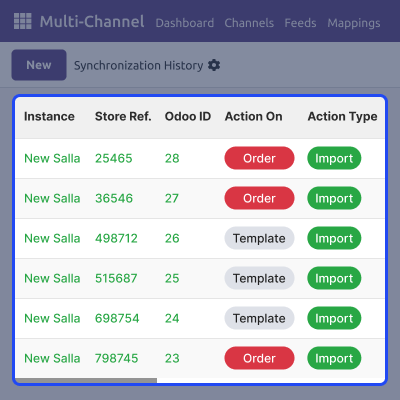
Track all sync activity in one place and quickly identify issues.
Webkul's dedicated support provides you with customizations and troubleshooting solutions for Salla Odoo Connector
For any query or issue please CREATE A TICKET HERE
Detailed technical features and requirements to help you understand the module’s capabilities and ensure smooth integration with your system.
Detailed technical features and requirements to help you understand the module’s capabilities and ensure smooth integration with your system.
We’re partnered with top-tier, trusted providers!
Want to know more how exactly we are going to power up your eCommerce Website with Cloud to fasten up your store
* Server Configuration may vary as per application requirements.



