Send Again
Close
Autrivo combines an automotive Bagisto theme with a vehicle Part Finder. It helps auto-parts stores build a clean store and sell the right parts.
The Autrivo Automobile Theme for Bagisto gives your store a responsive design with video banners, product sections, and category layouts. Store owners can edit the homepage from the admin panel without coding.
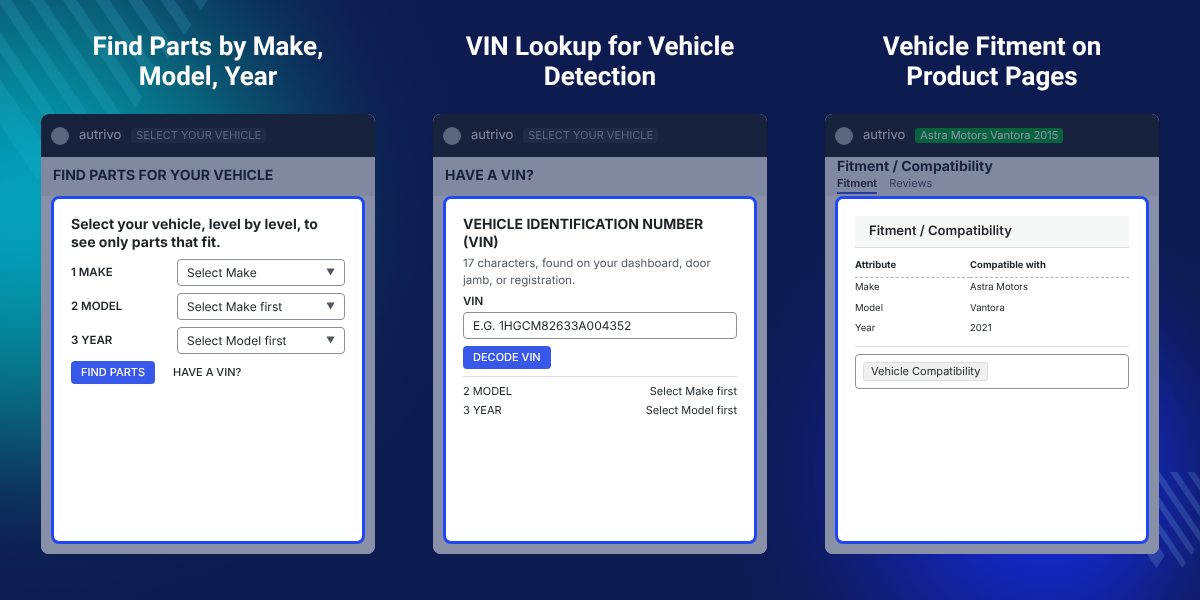
The Part Finder Module for Bagisto lets shoppers choose a vehicle by Make, Model, Year, or other levels. It then shows parts that fit the selected vehicle.
Customers can save vehicles in My Garage and check if a product fits. They can also use VIN lookup to find their vehicle. Guest users can use these features without an account.
Merchants can create vehicle levels, link vehicles to products, and import vehicle data. They can also review failed VIN searches. The module supports ACES and TecDoc data.
Both packages can work together or on their own. The theme works without the Part Finder, and the Part Finder works with other Bagisto themes. Neither package changes Bagisto core files.
Additionally, if you want to let several sellers list their own auto parts in the same store, then check Laravel Multi Vendor Marketplace.
Build a clean Bagisto Automotive Storefront with a dark design, responsive pages, and smooth animations.
Add a full-width video to the homepage. An image can appear when the video is not available.
Edit homepage sections from the Bagisto admin panel. Add text, images, products, links, and other content without coding.
Show products with filters, category banners, promo tiles, and product sections. Manage these sections from the admin panel.
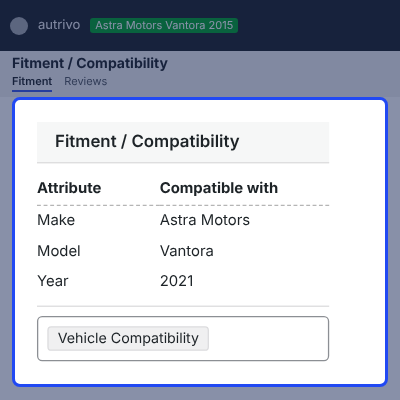
Show fitment badges and vehicle details on product pages when the Part Finder is active.
Set up a demo store with products, categories, images, homepage content, branding, and vehicle data using the installer.
Auto-parts stores often have many similar products for different vehicle models. Customers need a quick way to find the right part for their vehicle.
A normal product search may show many parts without clear fitment details. This can make it hard for shoppers to know which part is suitable for their vehicle.
The Part Finder links products with vehicle data. Customers can select their vehicle and view parts that match its Make, Model, Year, or other details.
For merchants, it also provides one place to manage vehicles, product fitments, VIN requests, and customer vehicle data.
Also, if you want to sell the same auto parts catalog through a mobile storefront, you can check our extension Bagisto Laravel Native Mobile App.
Use Autrivo as a Bagisto Auto Parts Theme to create an online store for car parts with product categories, filters, banners, and vehicle fitment features.
A Bagisto Car Parts Theme can help sell car accessories through responsive product sections, promotions, and category layouts.
Showcase performance parts with product displays, promotional banners, and vehicle-based product search.
Sell oils, filters, cleaning products, tools, and other vehicle care products through a dedicated automotive store.
Build a branded online store with video banners, brand sections, product galleries, and promotional content.
Manage large vehicle parts catalogs with fitment data, product matching, and vehicle-based product filtering.
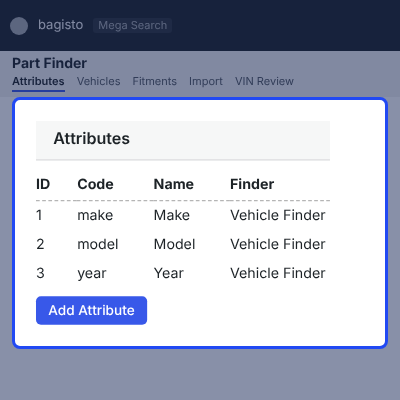
Set vehicle levels that match your product data. Merchants can use Make, Model, Year, Engine, Trim, or other custom levels.
Manage vehicles, fitments, values, imports, and VIN reviews from Catalog > Part Finder. Products can be linked to vehicles or marked as universal.
The Part Finder matches products with selected vehicles. Customers can quickly see parts that fit their chosen vehicle.
Merchants can hide non-fitting products or show all products with matching parts first. Product pages can also show fitment badges and vehicle lists.
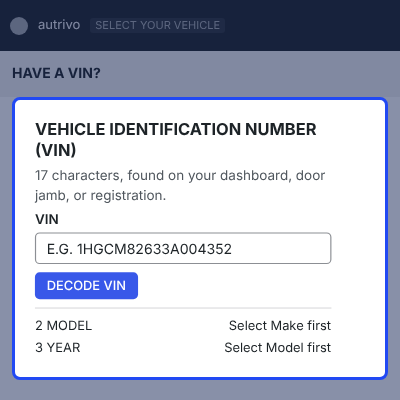
VIN lookup helps customers find their vehicle details quickly. They can enter a 17-character VIN to identify the vehicle.
The module includes an NHTSA driver and supports other VIN providers. Failed lookups can be sent to the admin for review.
Autrivo lets merchants manage storefront content from the Bagisto admin panel. No direct HTML editing is needed for common content changes.
Merchants can manage banners, categories, brands, galleries, videos, products, and promotions. Sections can be reordered, enabled, or disabled.
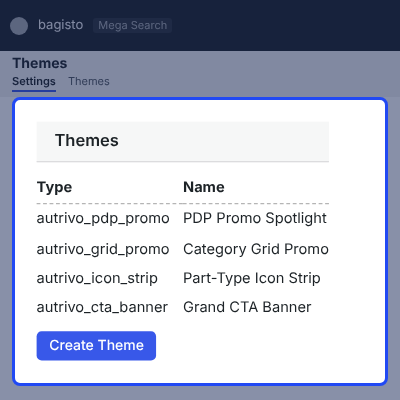
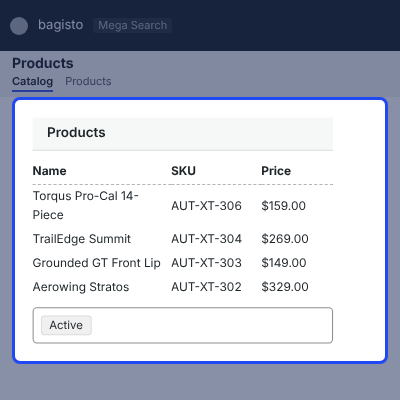
Autrivo includes ready demo data for a quick automotive store setup. The installer adds products, categories, images, homepage content, branding, and videos.
The demo setup can run again without replacing edited merchant content. Merchants can also switch back to the default Bagisto theme.
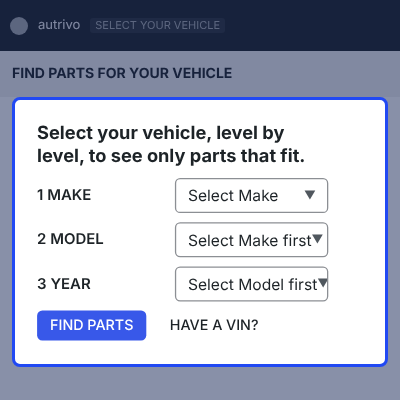
The Part Finder lets shoppers select a vehicle level by level and see only the parts that fit it.
Merchants set the levels that match their product data, so the finder can run on Make, Model, and Year or on deeper levels.
For any query or issue, please create a support ticket here http://webkul.uvdesk.com/
You may also check our quality Magento 2 Extensions.
Detailed technical features and requirements to help you understand the module’s capabilities and ensure smooth integration with your system.
Detailed technical features and requirements to help you understand the module’s capabilities and ensure smooth integration with your system.
We’re partnered with top-tier, trusted providers!
Want to know more how exactly we are going to power up your eCommerce Website with Cloud to fasten up your store
* Server Configuration may vary as per application requirements.



